OVERVIEW
Structuring the student learning journey and turning self-paced learning into a daily habit.
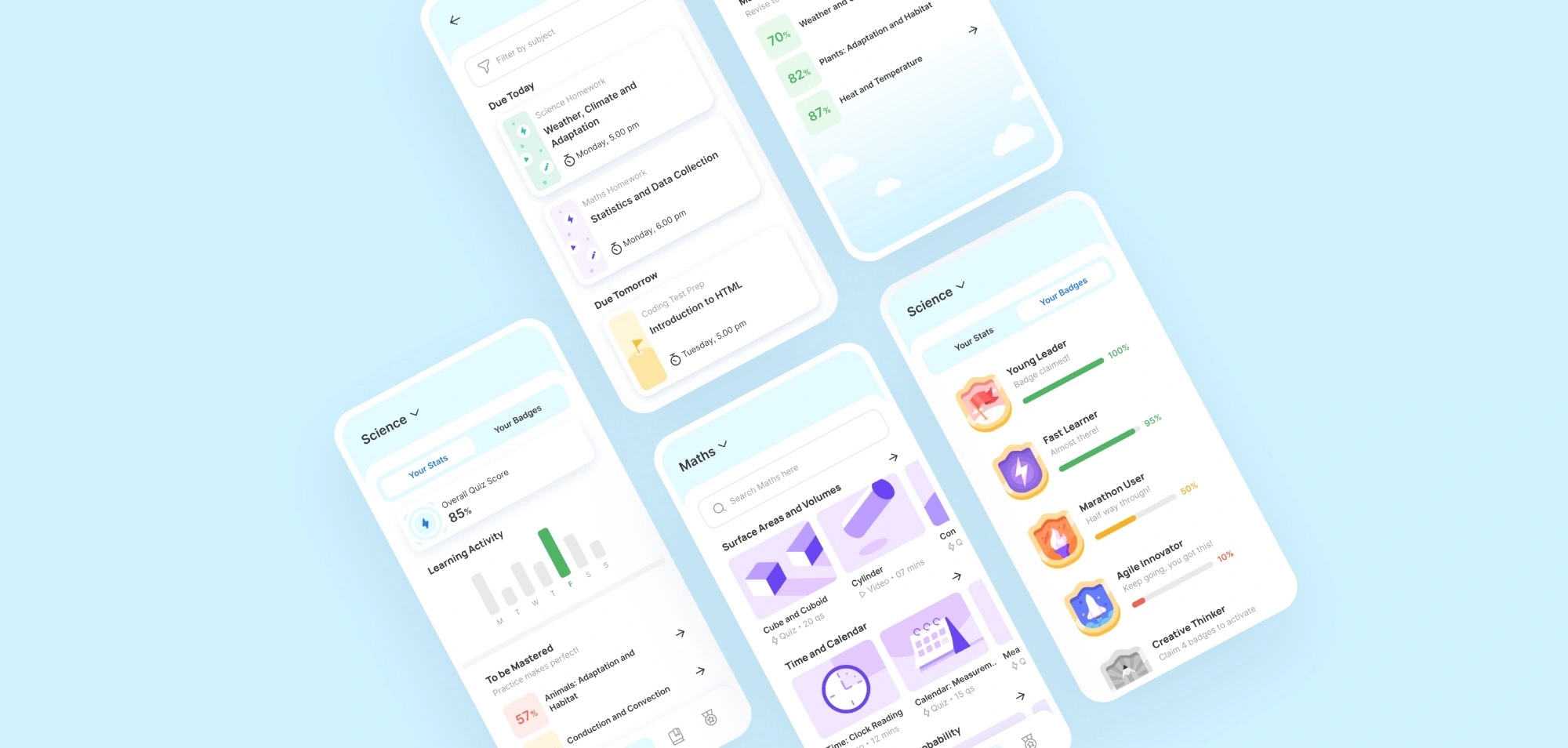
Lido is an Indian e-learning platform that provides live interactive classes in both curricular and extracurricular subjects to students from KG to class 9. This project outlines Lido’s student app, which is the entry point into the live classes. It also supports the students for their day-to-day self paced practice.
- ROLE
- Visual DesignUI DesignIllustrationDesign System
- TIMELINE
- 1 year
- TEAM
- 1 UX Designer1 Design Lead2 Visual Designers1 Motion Designer
- DELIVERABLES
- Visual and Design System & guidelinesApp Screen Designs

THE FLOW
Information Architecture
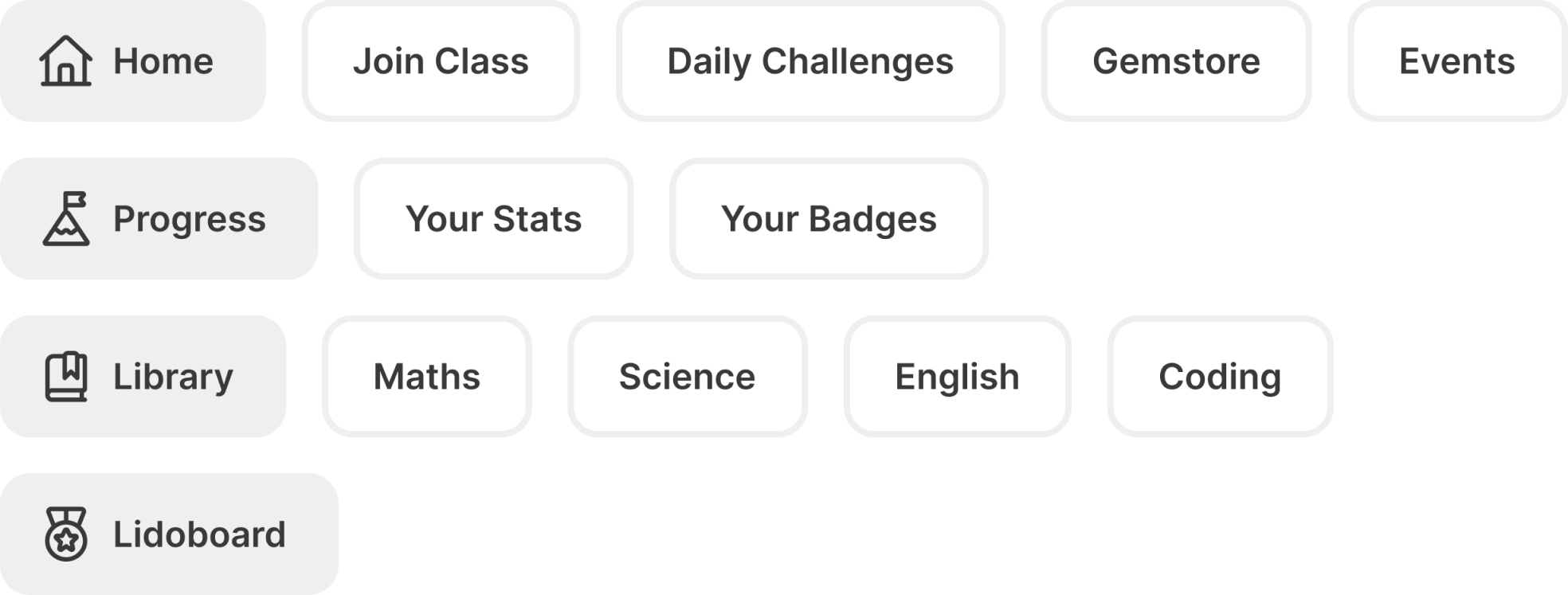
The primary challenge was organizing a diverse range of academic content and gamified features into an intuitive layout. This architecture maps out a clear user journey, categorizing the app into actionable daily tasks, comprehensive subject libraries, and rewarding progress metrics.
HOME
One stop destination for the student’s learning journey.
Home is personalised to the academic level and schedule of each child. It pushes upcoming classes, homework, notifies about Lido events, and recommends relevant study materials.

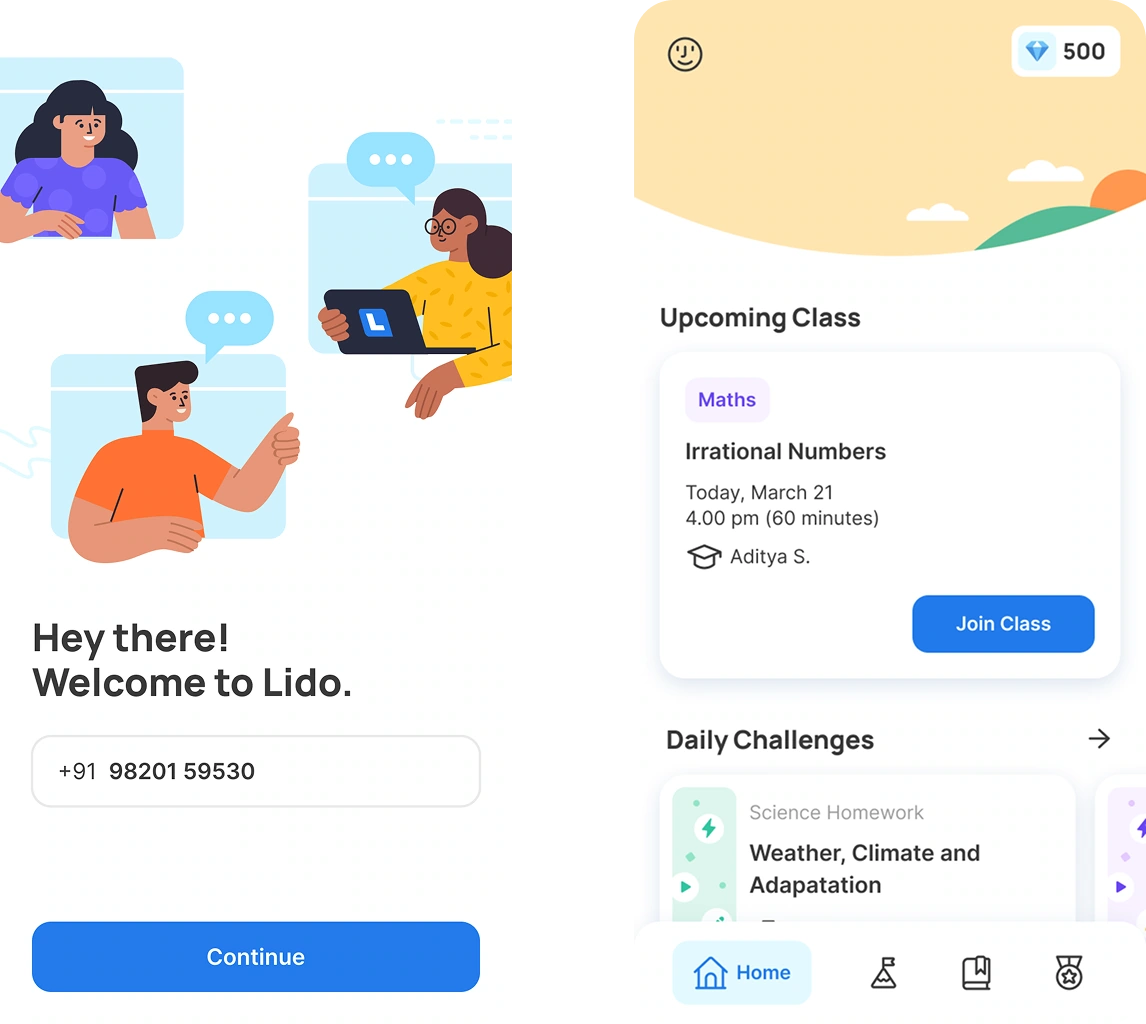
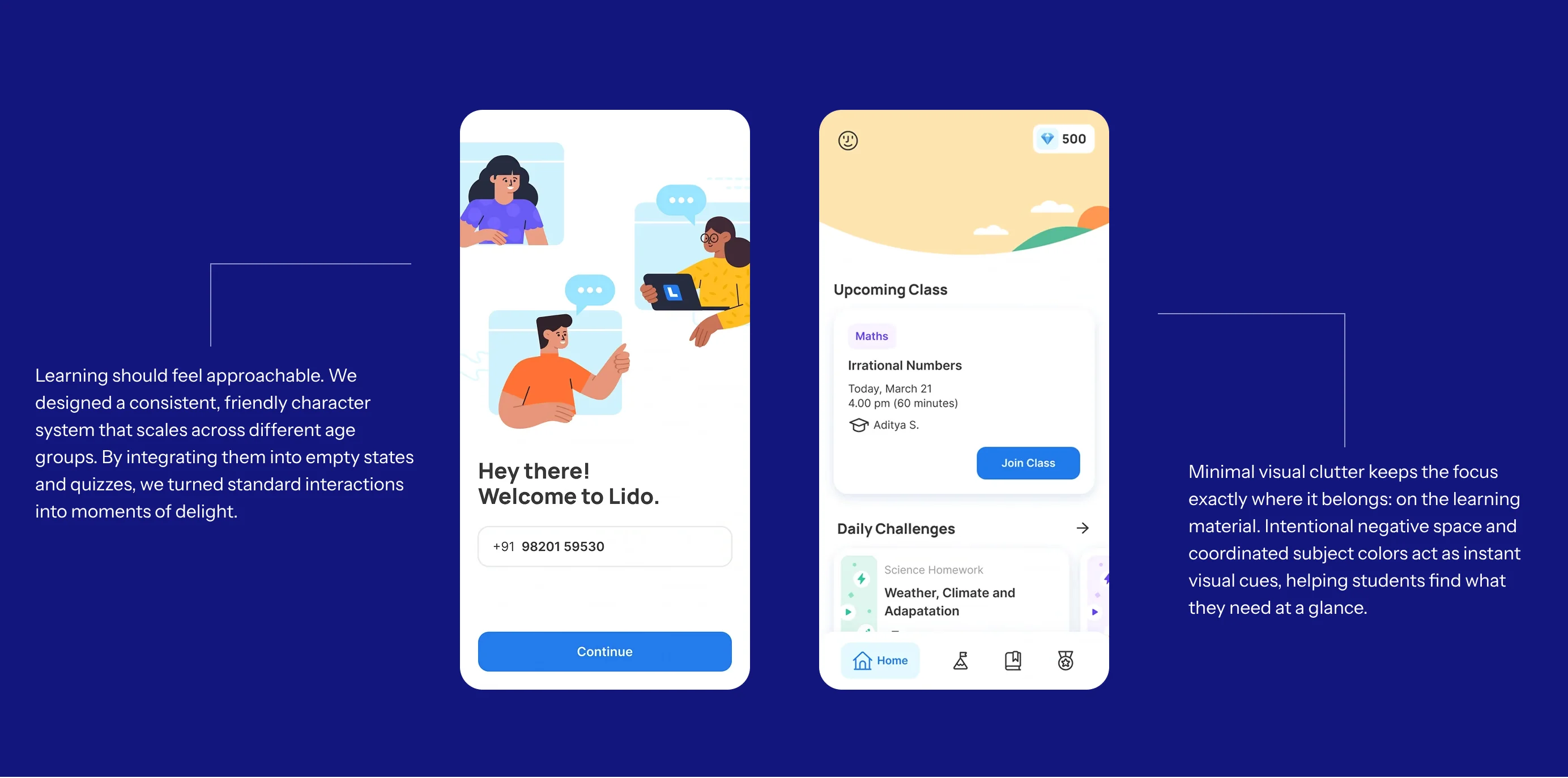
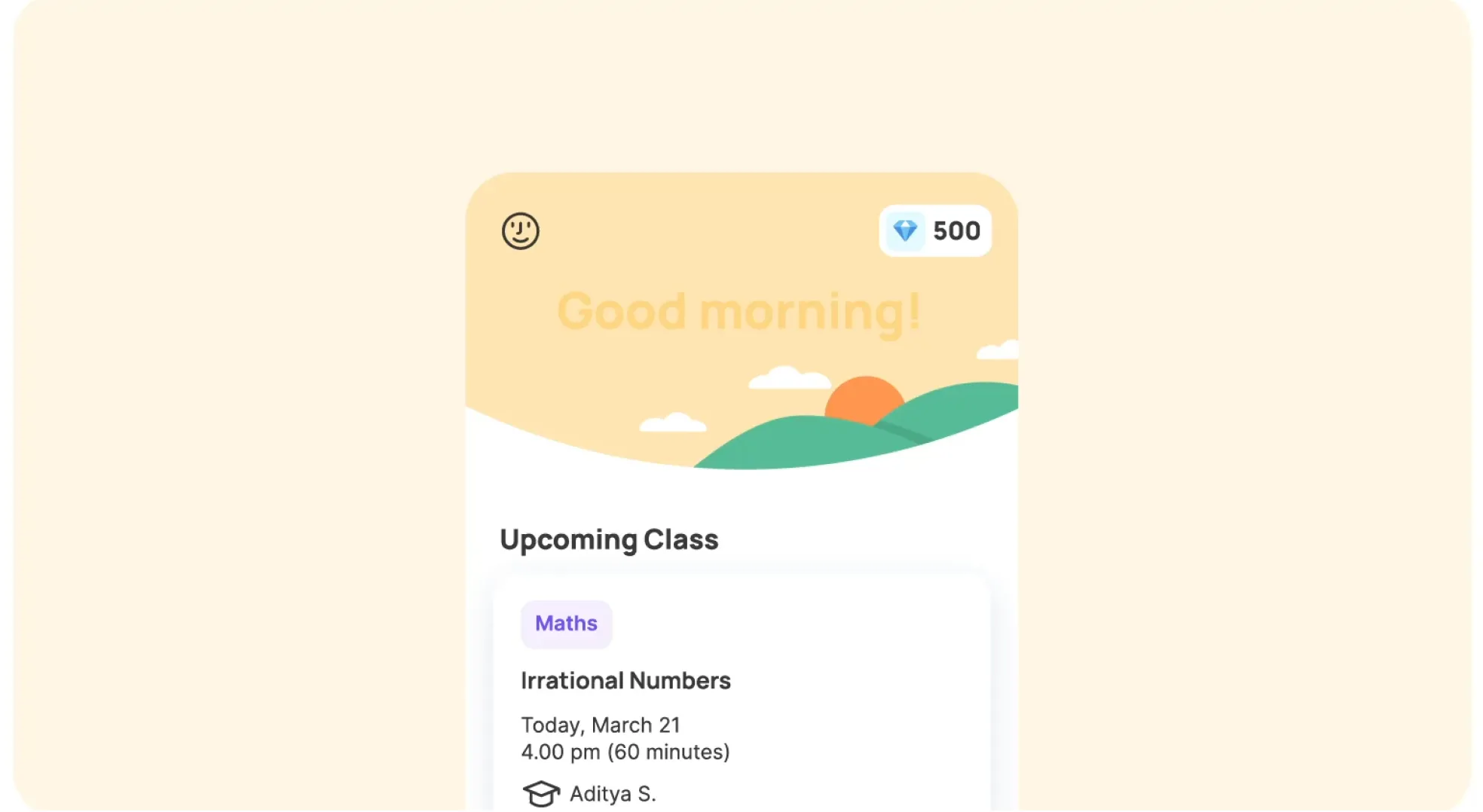
The students come onto the app every day for their classes and learning modules. We wanted to create a space right at the top that would work perfectly to signal to students the time of the day in a delightful way. That corner would also act as a space for marketing different features and competitions that the students would need to know about.
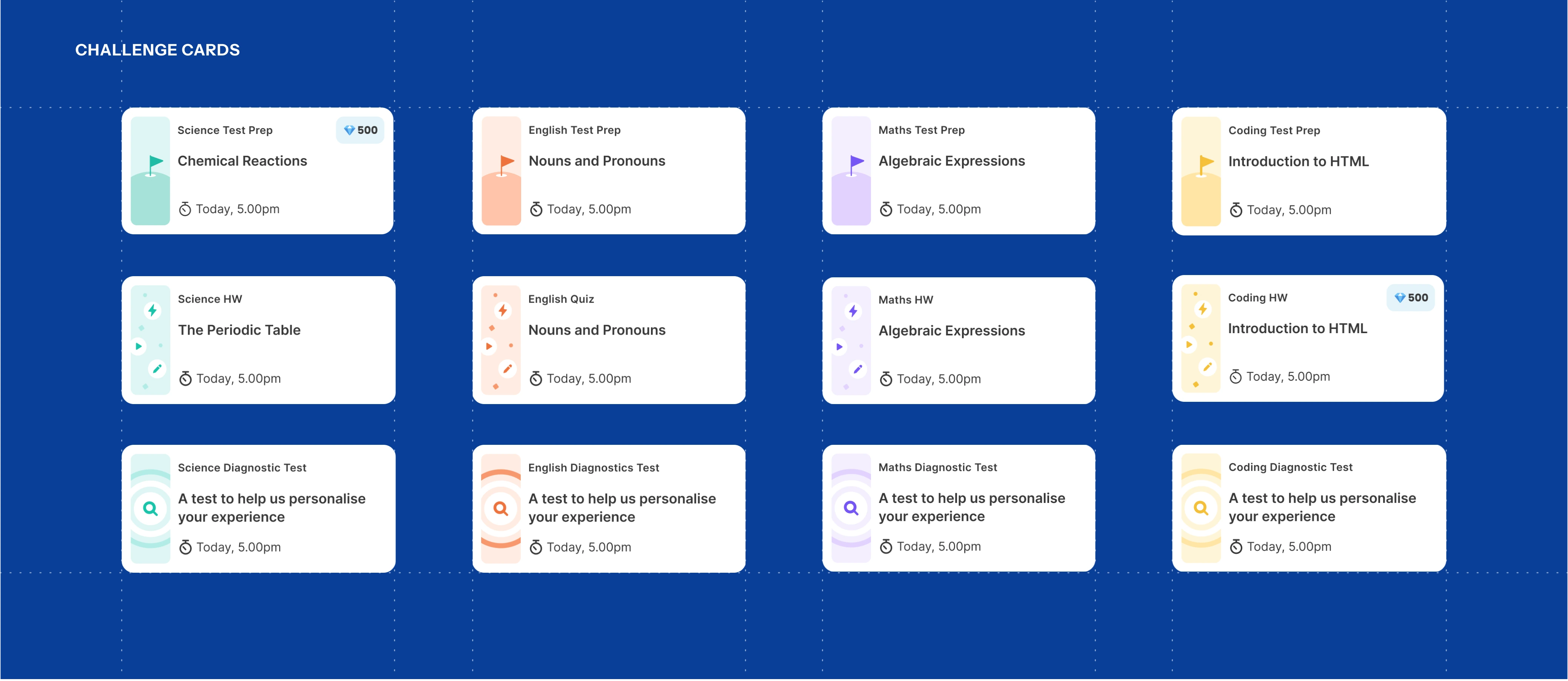
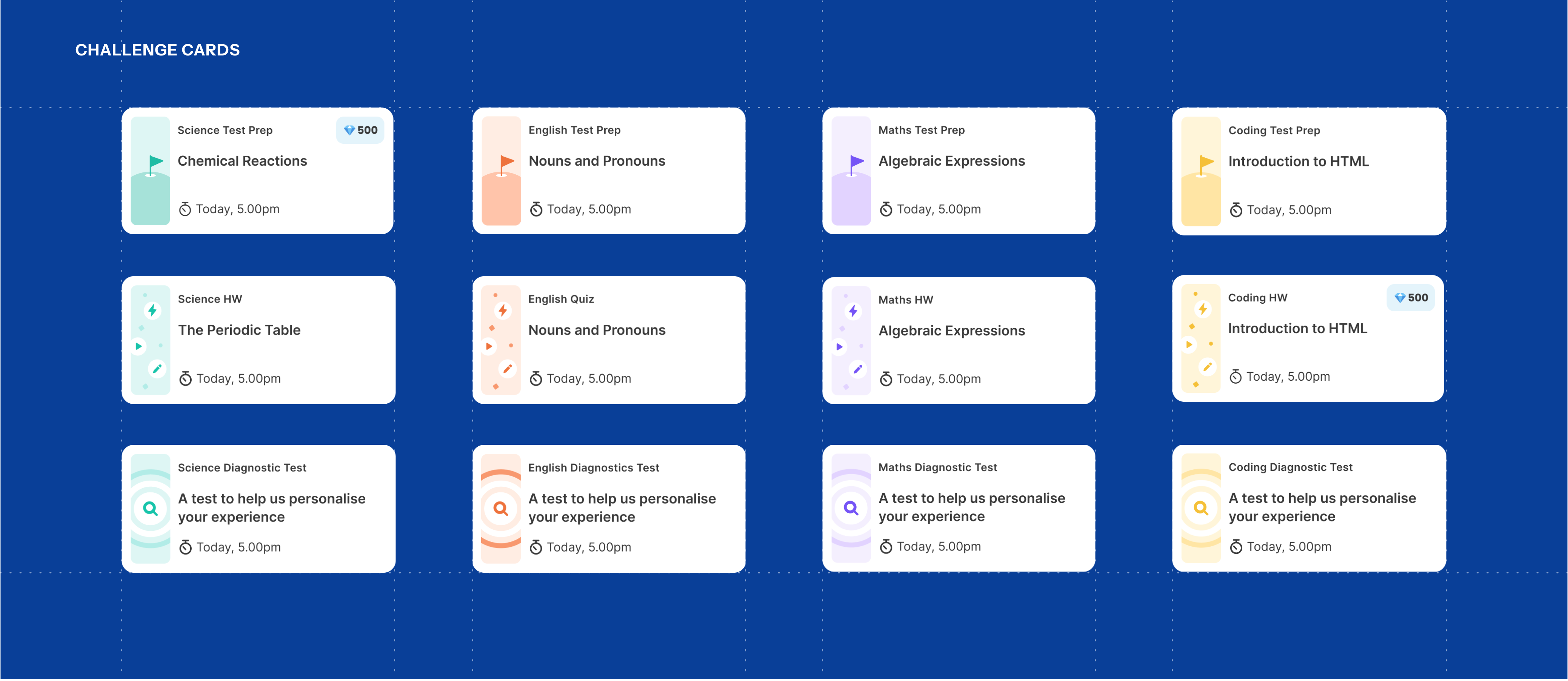
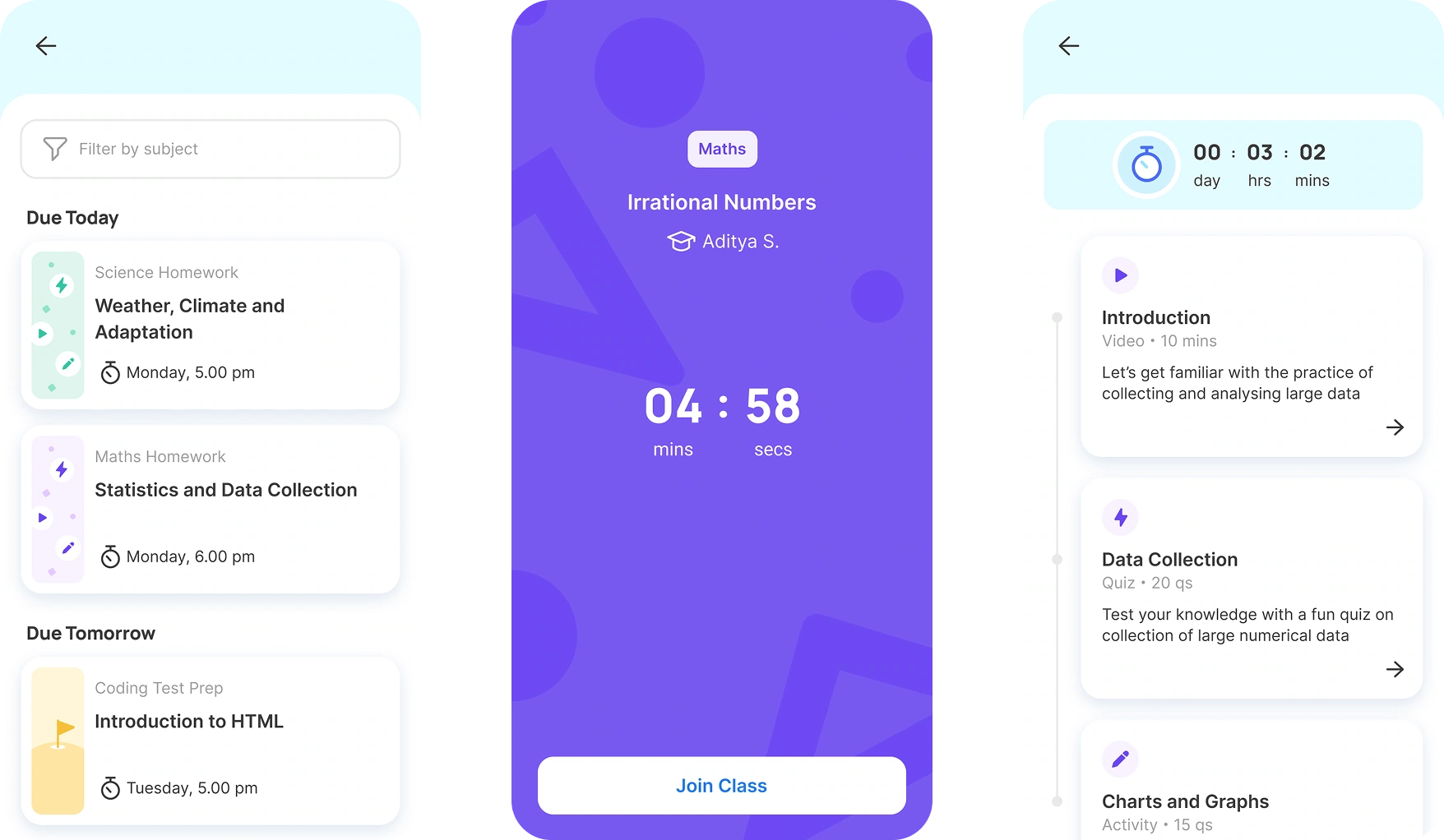
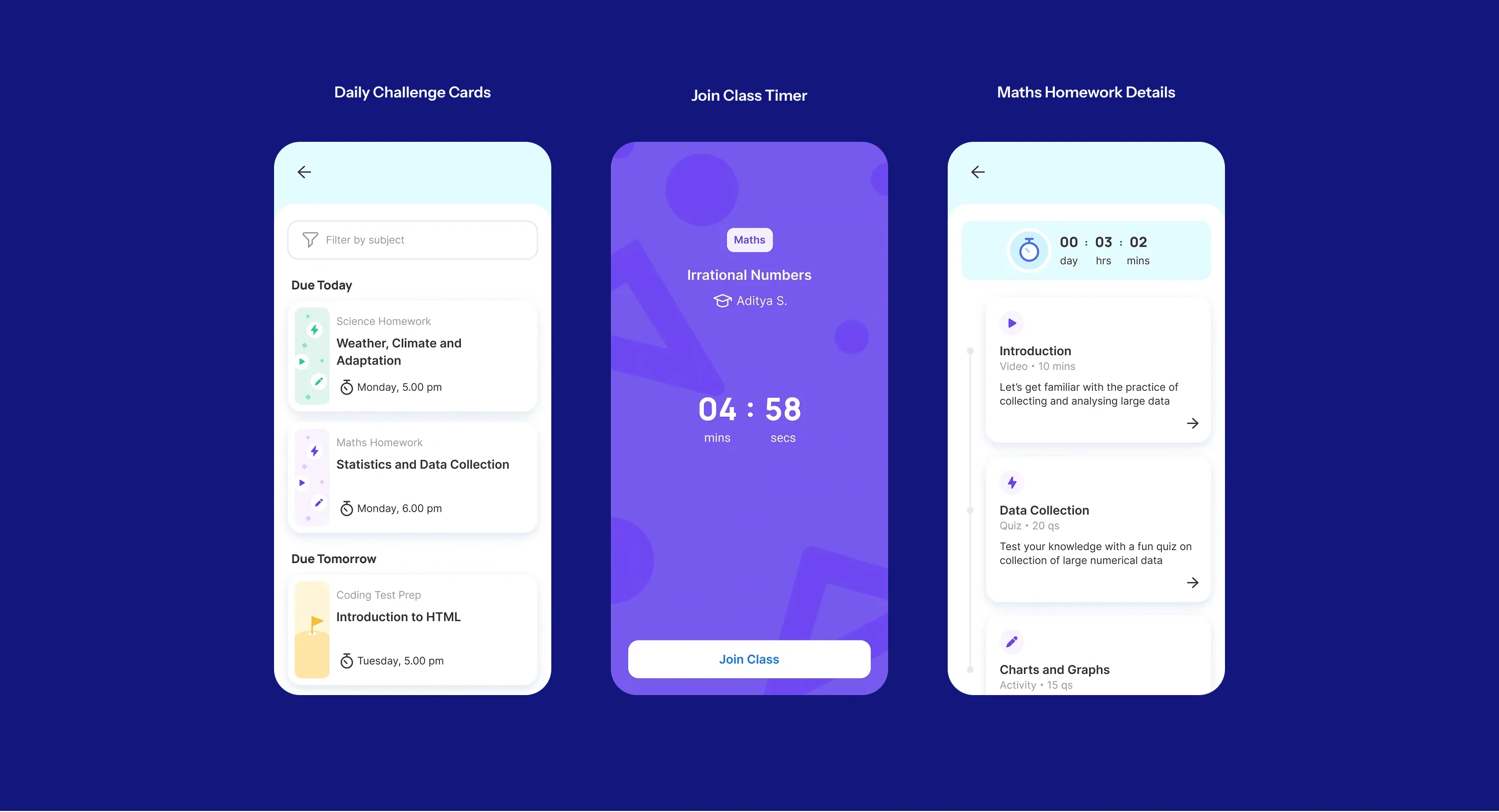
The goal was to make daily learning feel manageable, not overwhelming. By organizing tasks into clear challenge cards and step-by-step homework details, the UI helps students easily digest their workload. The dedicated countdown screen adds a layer of excitement, ensuring they are prepared and engaged the moment their live class starts.
PROGRESS
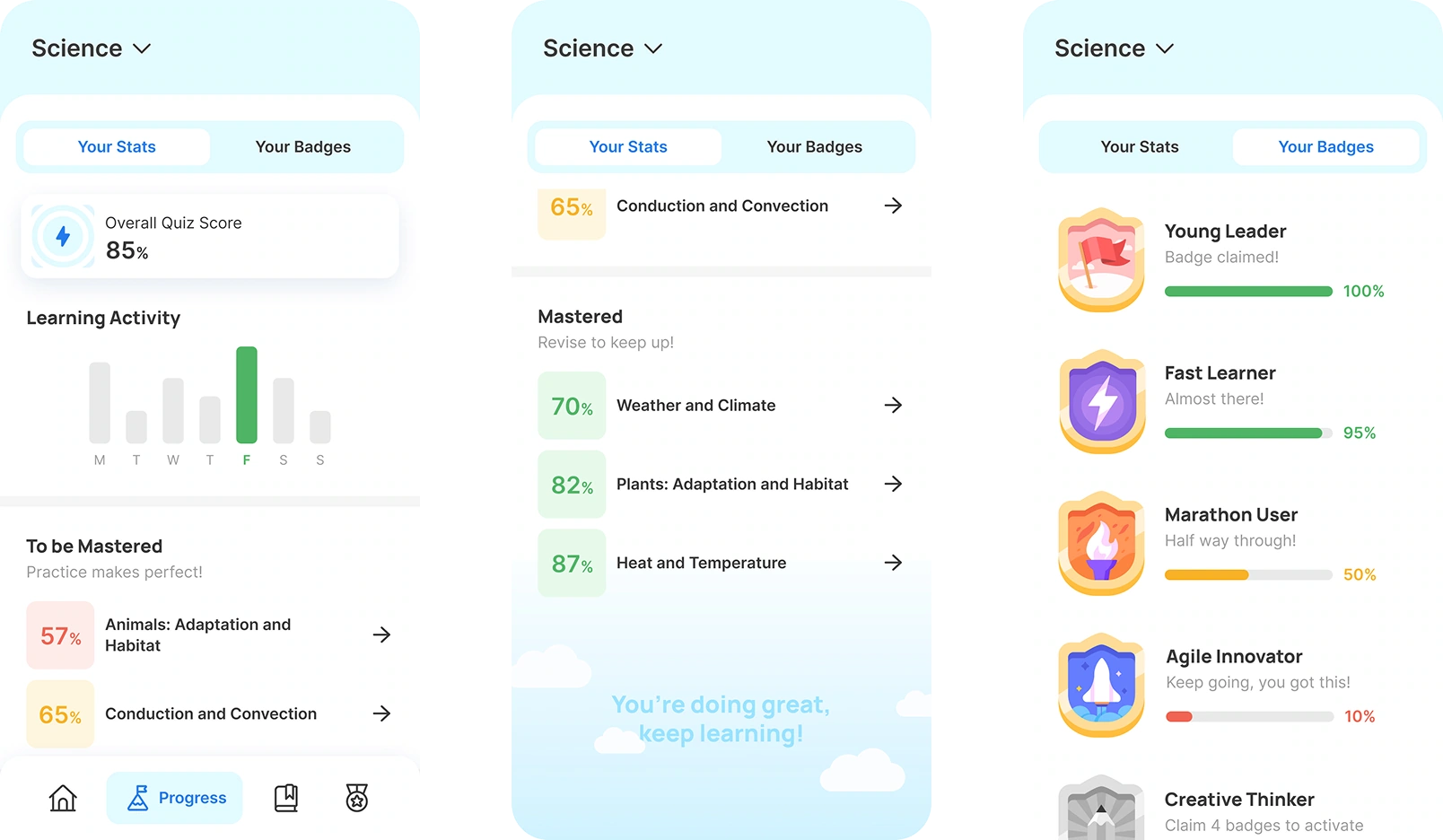
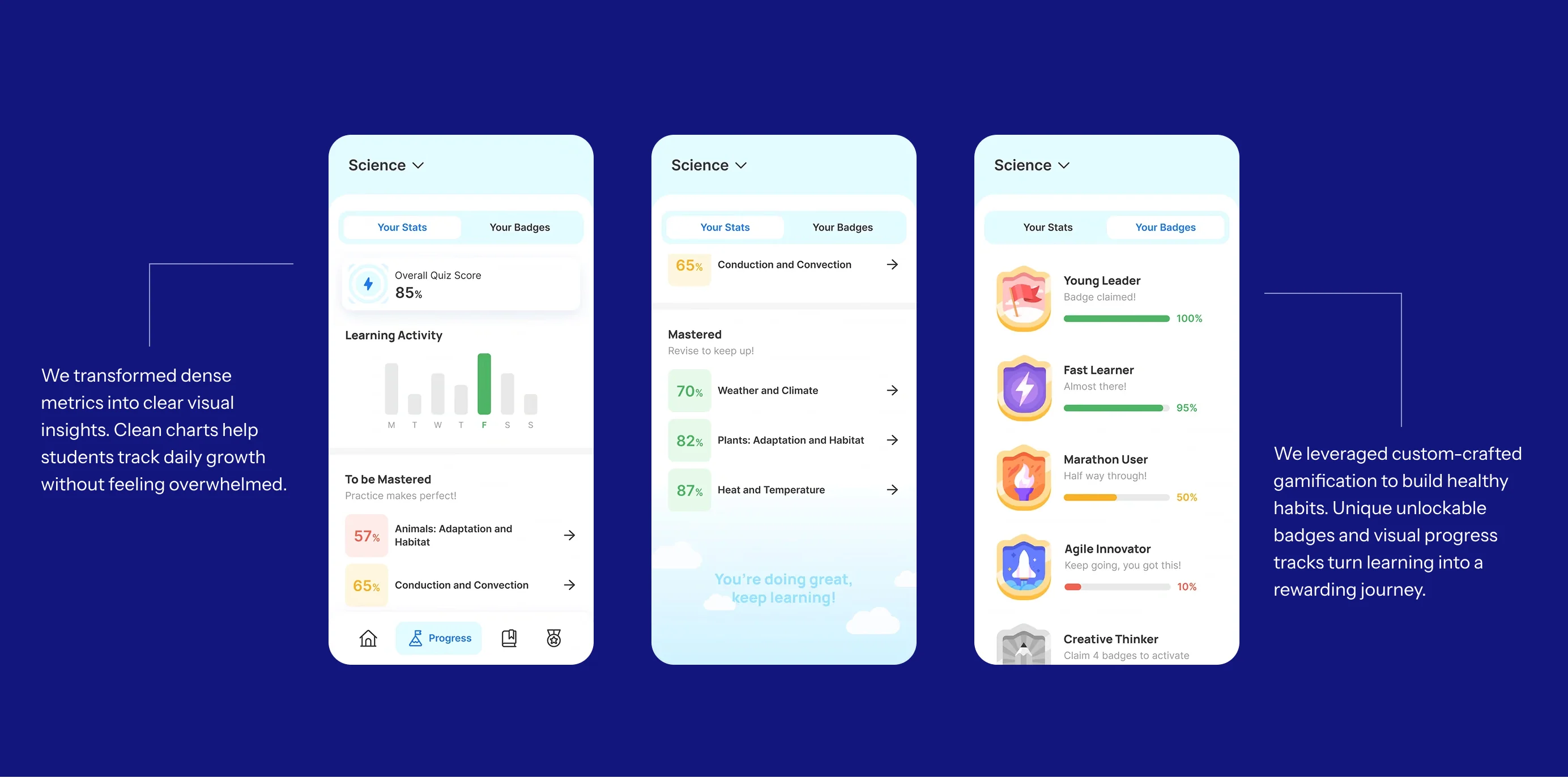
Quantifying and rewarding the student’s effort on Lido.
It’s important for a student to see their scores to understand where they stand. Students view scores for each chapter, quiz, and project done at Lido. This section always has a positive motivating message for the student.


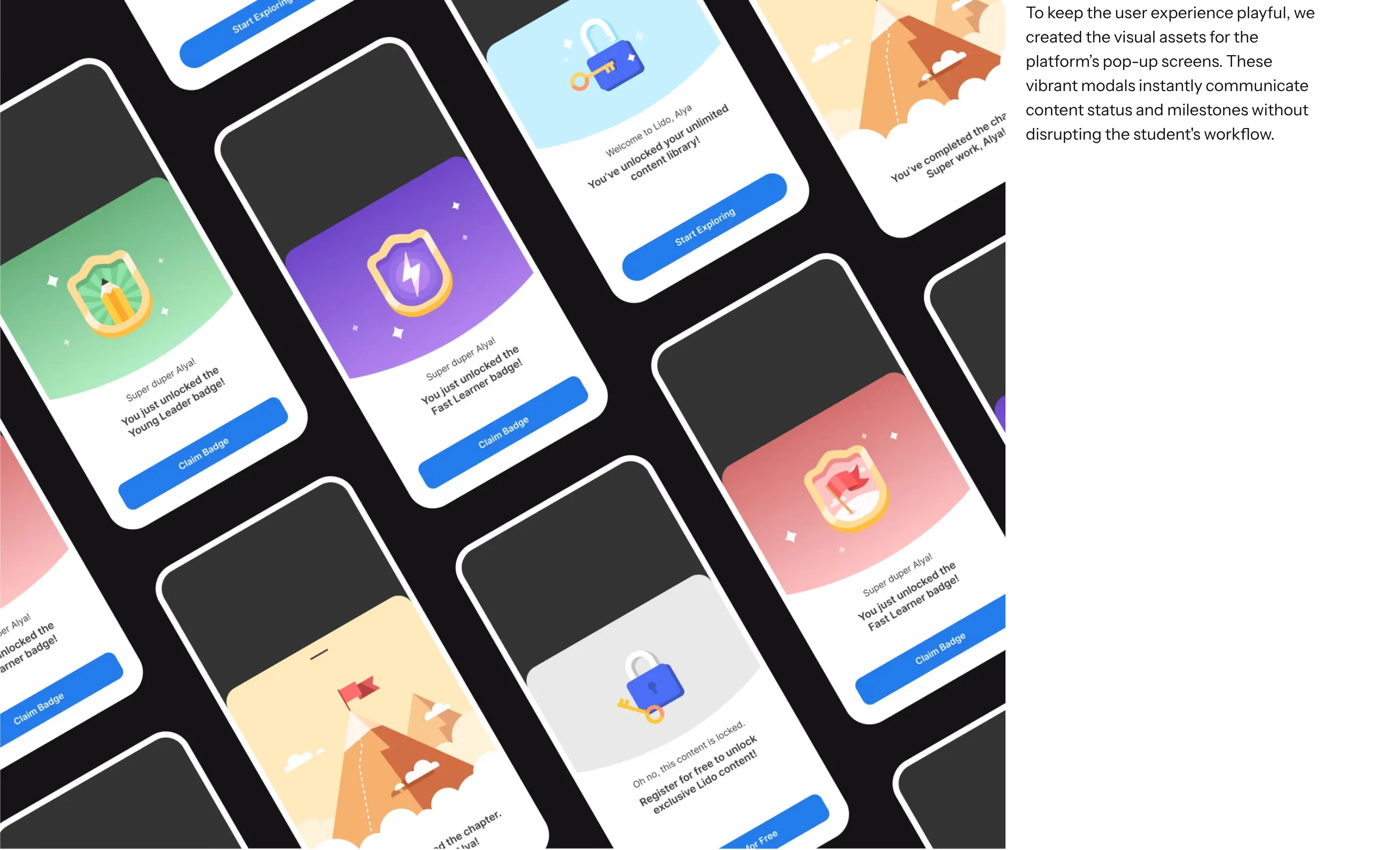
To keep the user experience playful, we created the visual assets for the platform’s pop-up screens. These vibrant modals instantly communicate content status and milestones without disrupting the student's workflow.
LIBRARY
A plethora of content for self paced learning.
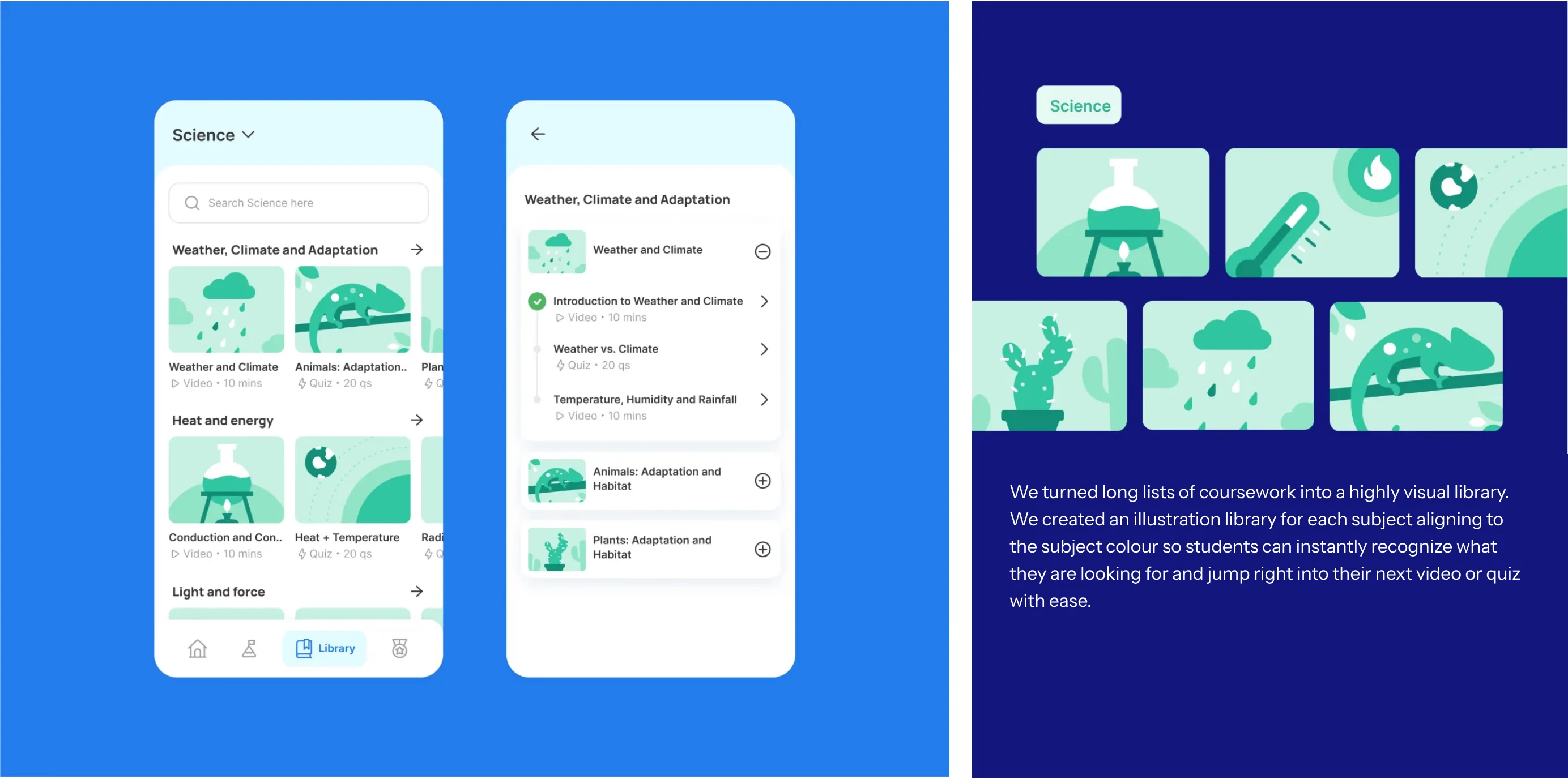
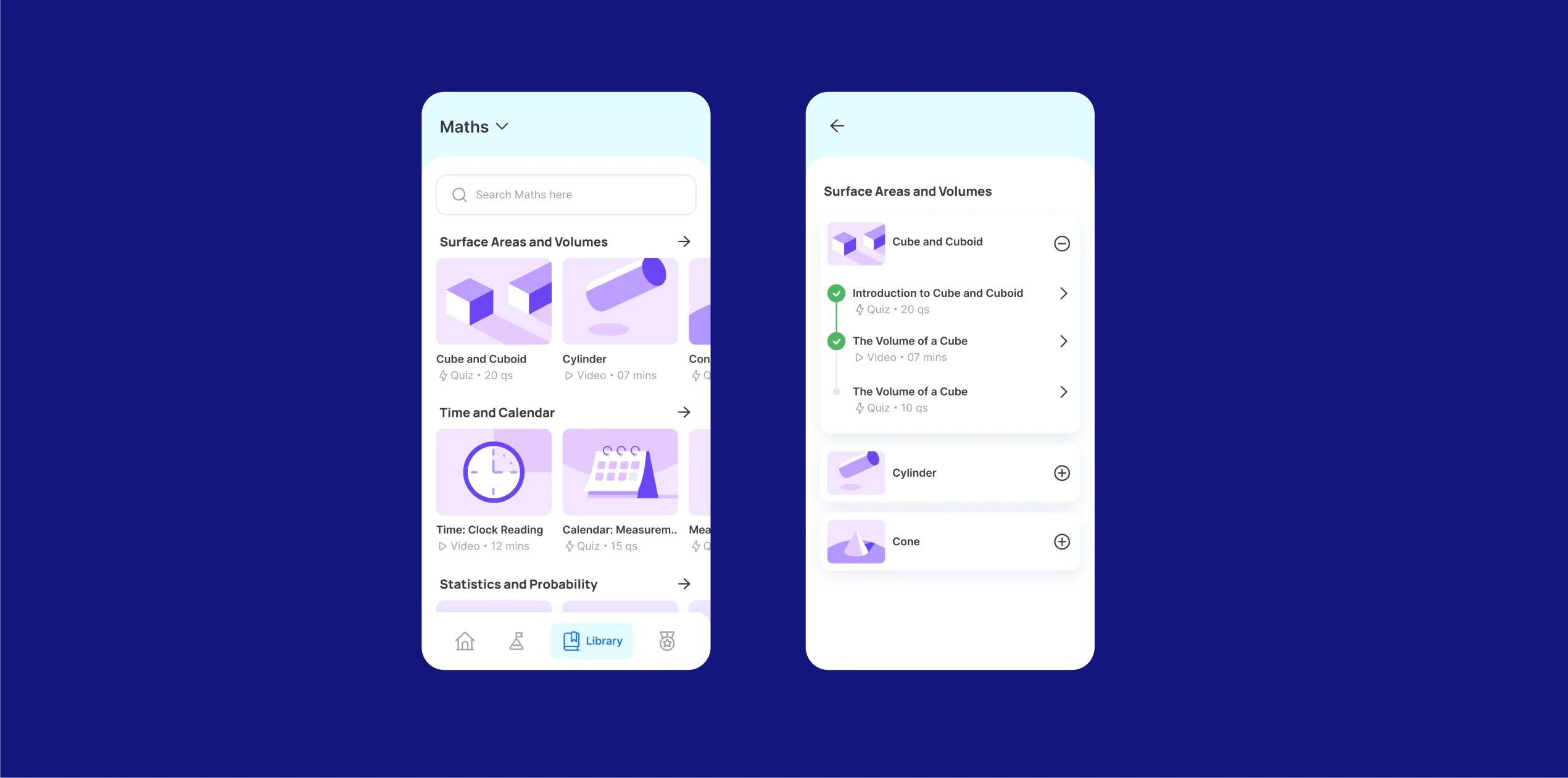
Lido offers an extensive library of study material, segregated by chapters and lessons. This includes videos, games, quizzes, links and study notes for each lesson.
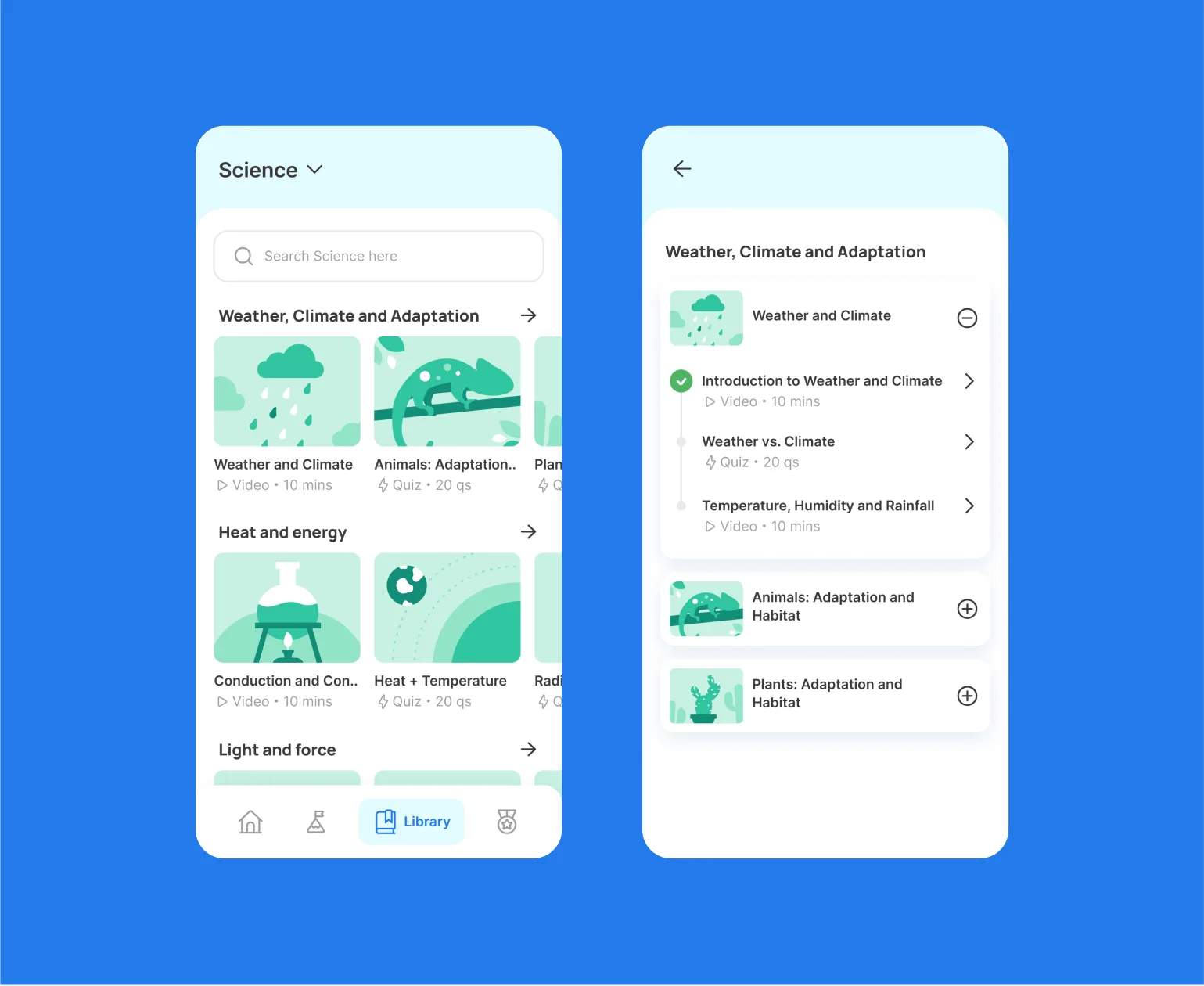

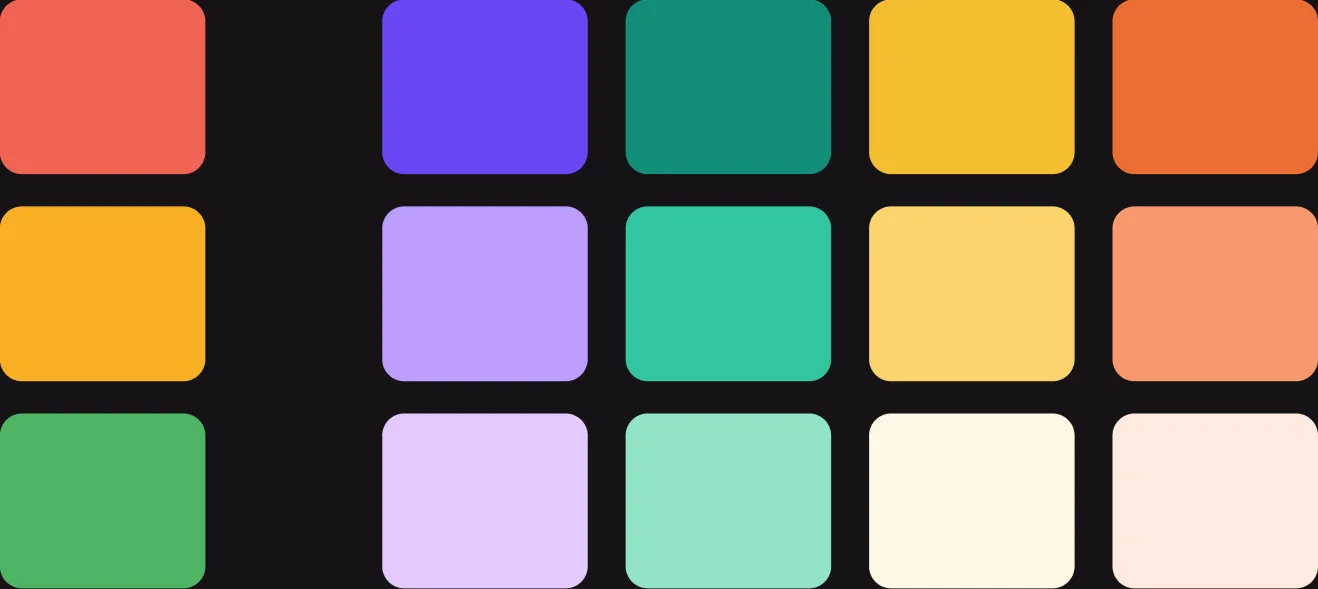
We turned long lists of coursework into a highly visual library. We created an illustration library for each subject aligning to the subject colour so students can instantly recognize what they are looking for and jump right into their next video or quiz with ease.

QUIZ
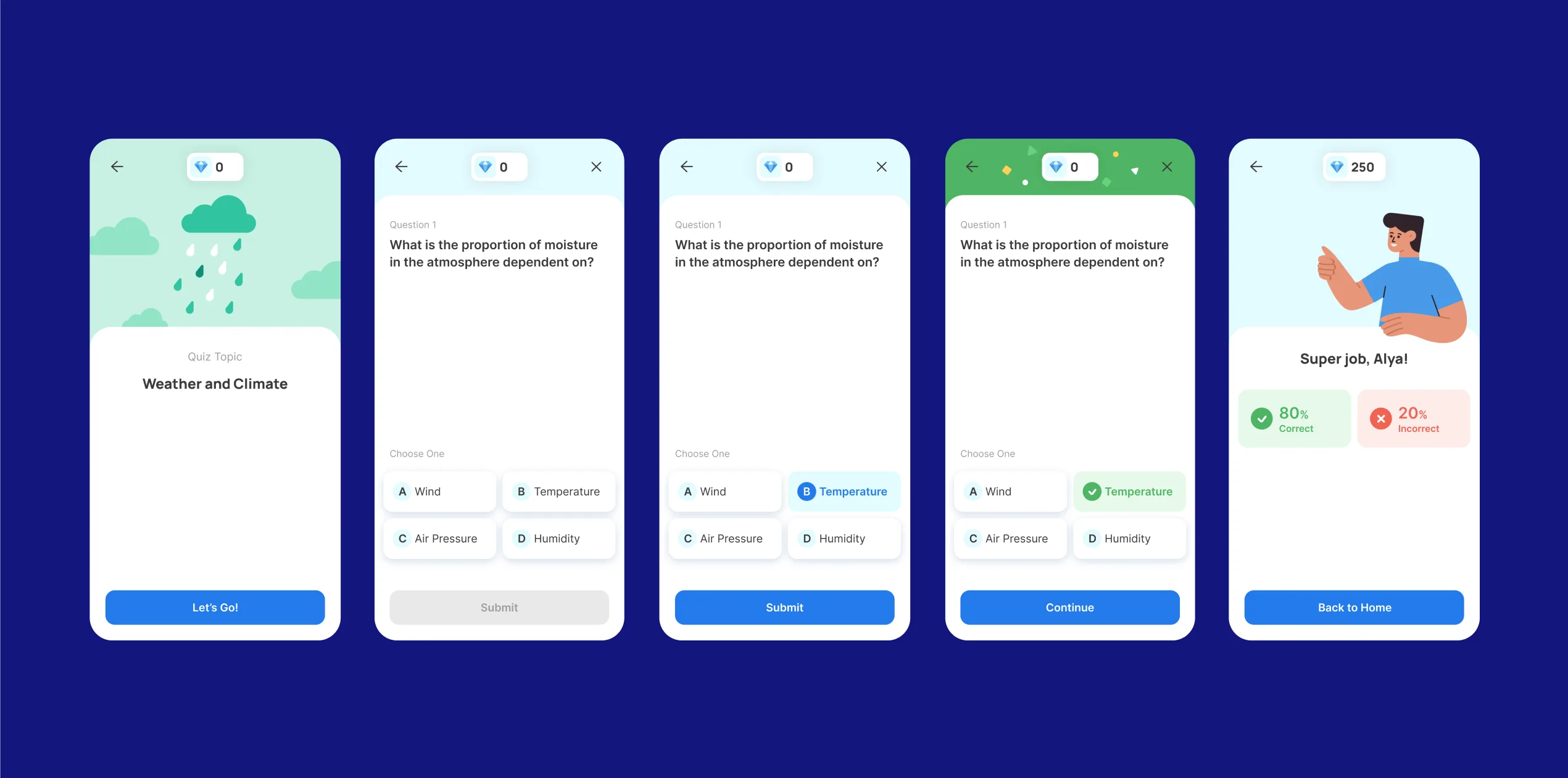
Validating learning through interactive quizzes
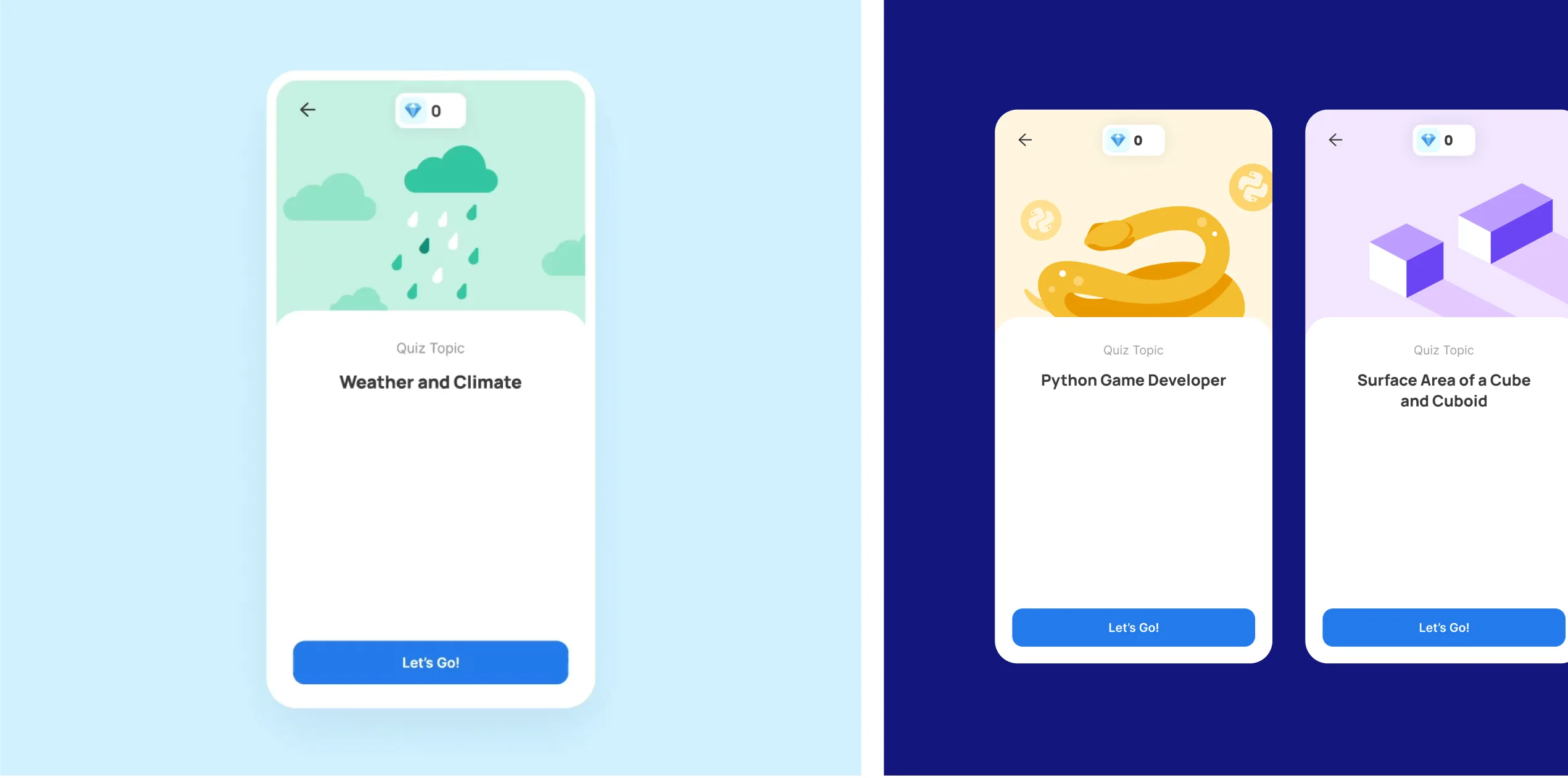
A low-friction evaluation flow designed to build daily learning habits. The quiz section acts as the bridge between content consumption and the reward ecosystem, allowing students to test their skills and immediately see their impact on their personal stats and Lidoboard standing.
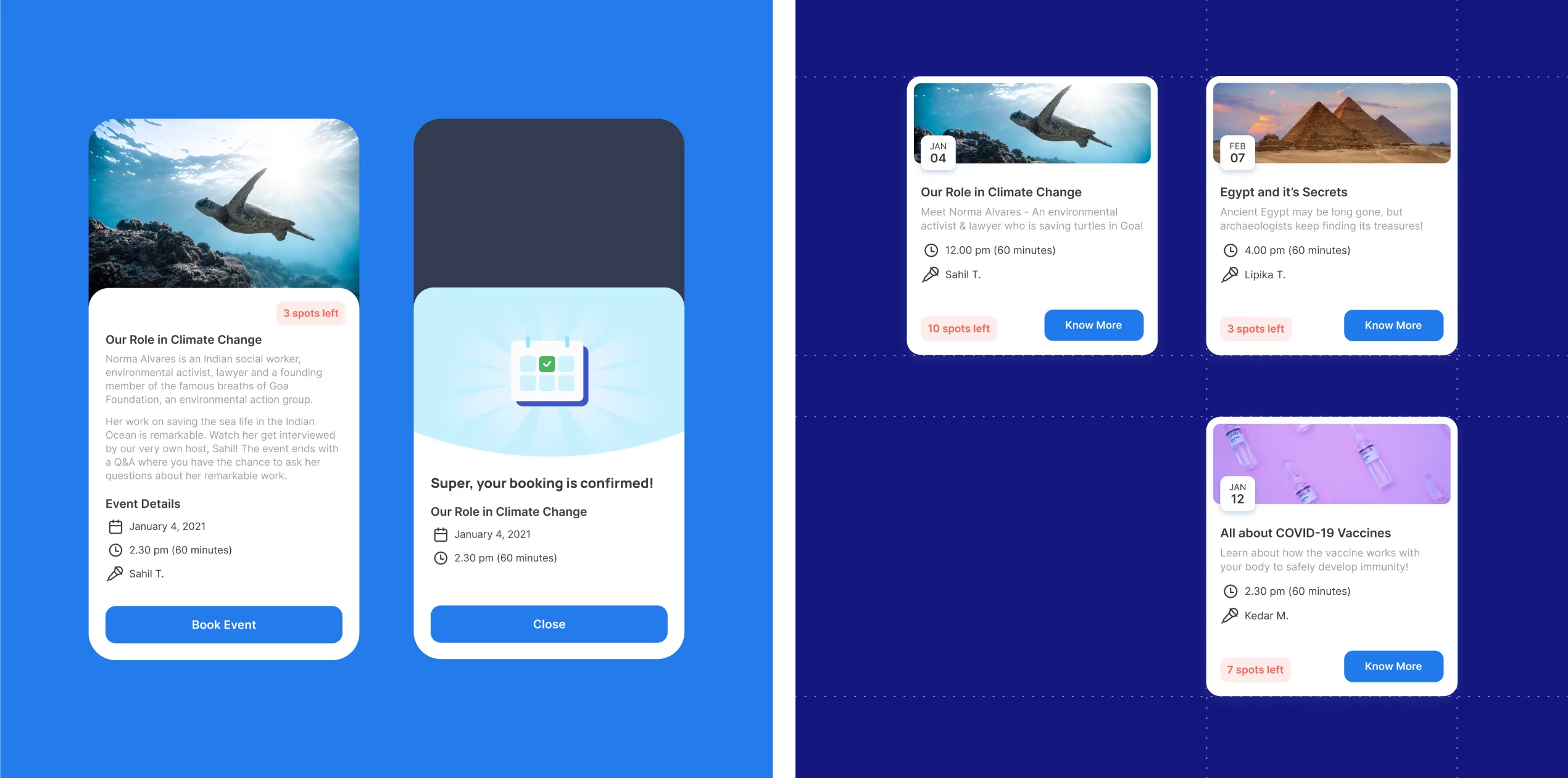
EVENTS
Providing deeper knowledge while generating leads.
Lido hosts online events around compelling topics. While this serves as a great method to improve Lido’s awareness, it also gives students in-depth and outside textbook knowledge on the topics covered in class.
TAKEAWAY
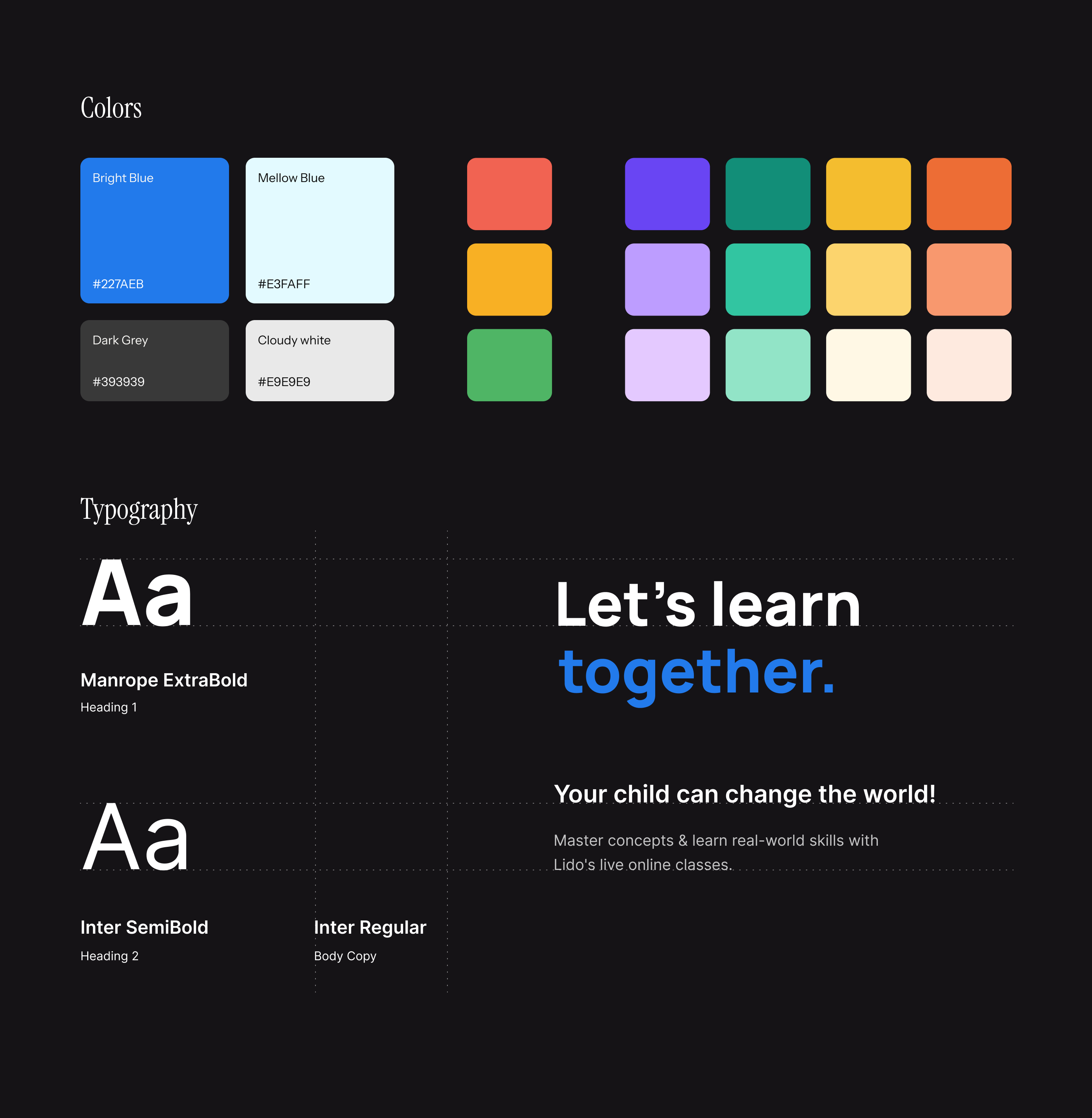
A complete digital destination for a student's learning journey. Shipped a cohesive app interface featuring a scalable visual system, organized content libraries, and custom gamification frameworks.
REFLECTIONS & LEARNINGS
Balancing density with delight. Organizing a massive curriculum required a strict approach to information architecture and typography. The challenge was maintaining that rigorous structure while still designing moments of warmth and celebration to keep students motivated.