OVERVIEW
Translating complex safety guidelines into a dynamic visual system that empowers and educates
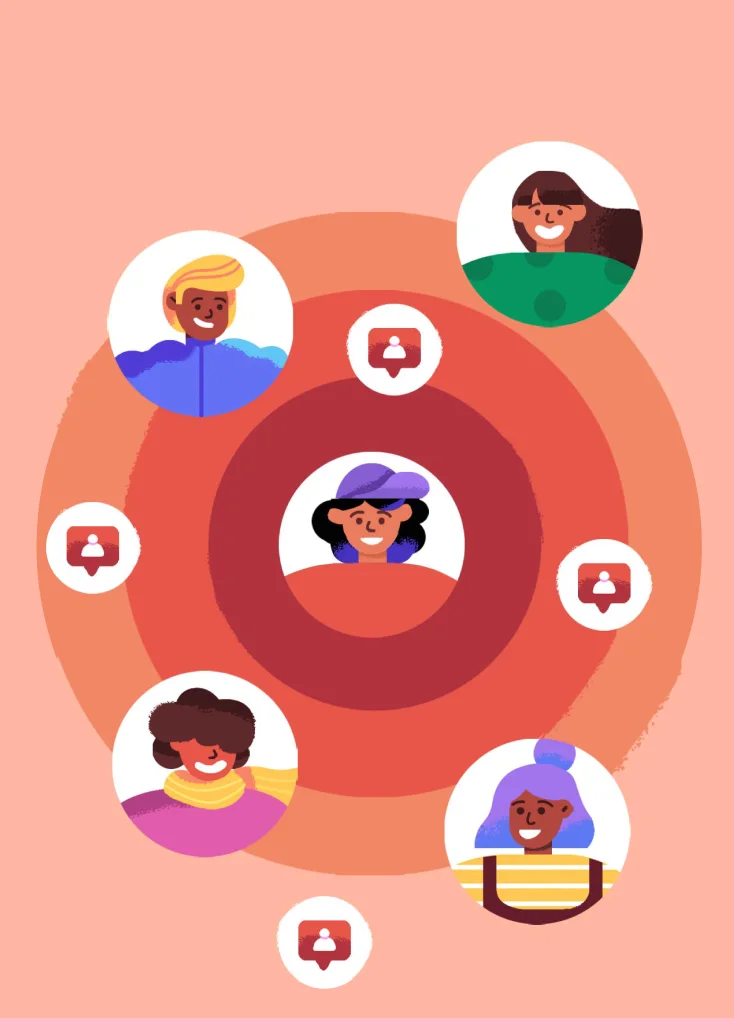
Snapchat connects hundreds of millions of users worldwide, but interacting online comes with inherent risks. To help users navigate these challenges, Snapchat needed an engaging way to deliver critical safety content. Snapchat brought me on to design a dynamic visual system for their 5 episode series on their Snap Safety Channel. The challenge was clear: translate serious, dense guidelines into an approachable, empowering visual experience that encourages young users to actively utilize the app's privacy tools.
- ROLE
- Art directionIllustration
- TIMELINE
- 2 Year Engagement
- TEAM
- 1 animatorSnapchat Design team Co-ordinator
- DELIVERABLES
- Visuals for 5 Animated videos
THE PROCESS
How do we design content that educates users without feeling like a chore?
Safety tips pushed by platforms are often quickly dismissed or perceived as too complex. This is where strong visual storytelling becomes essential. By placing these rules into relatable, animated contexts, we transform hard-to-navigate information into something approachable and easy to digest.
Our primary goal for each episode was to communicate critical safety messages without losing the viewer's attention.
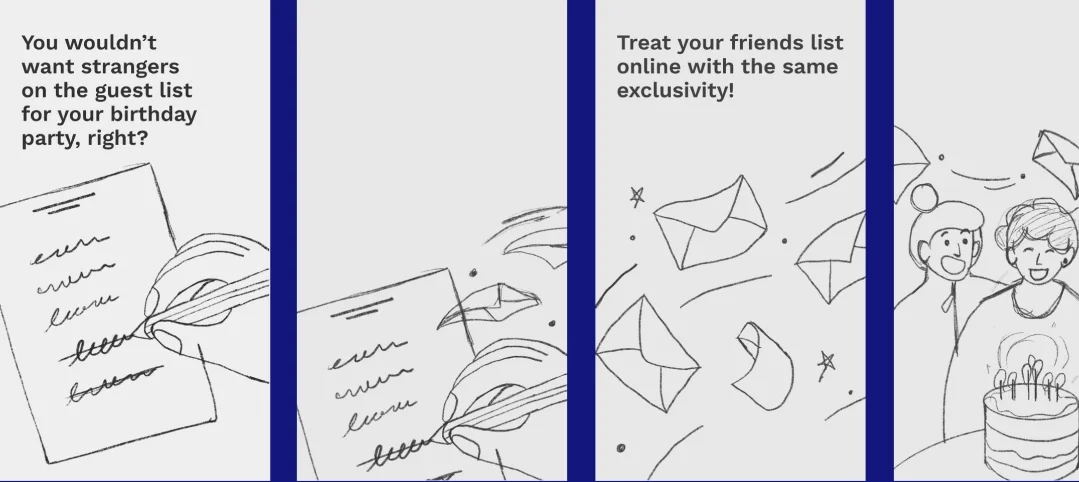
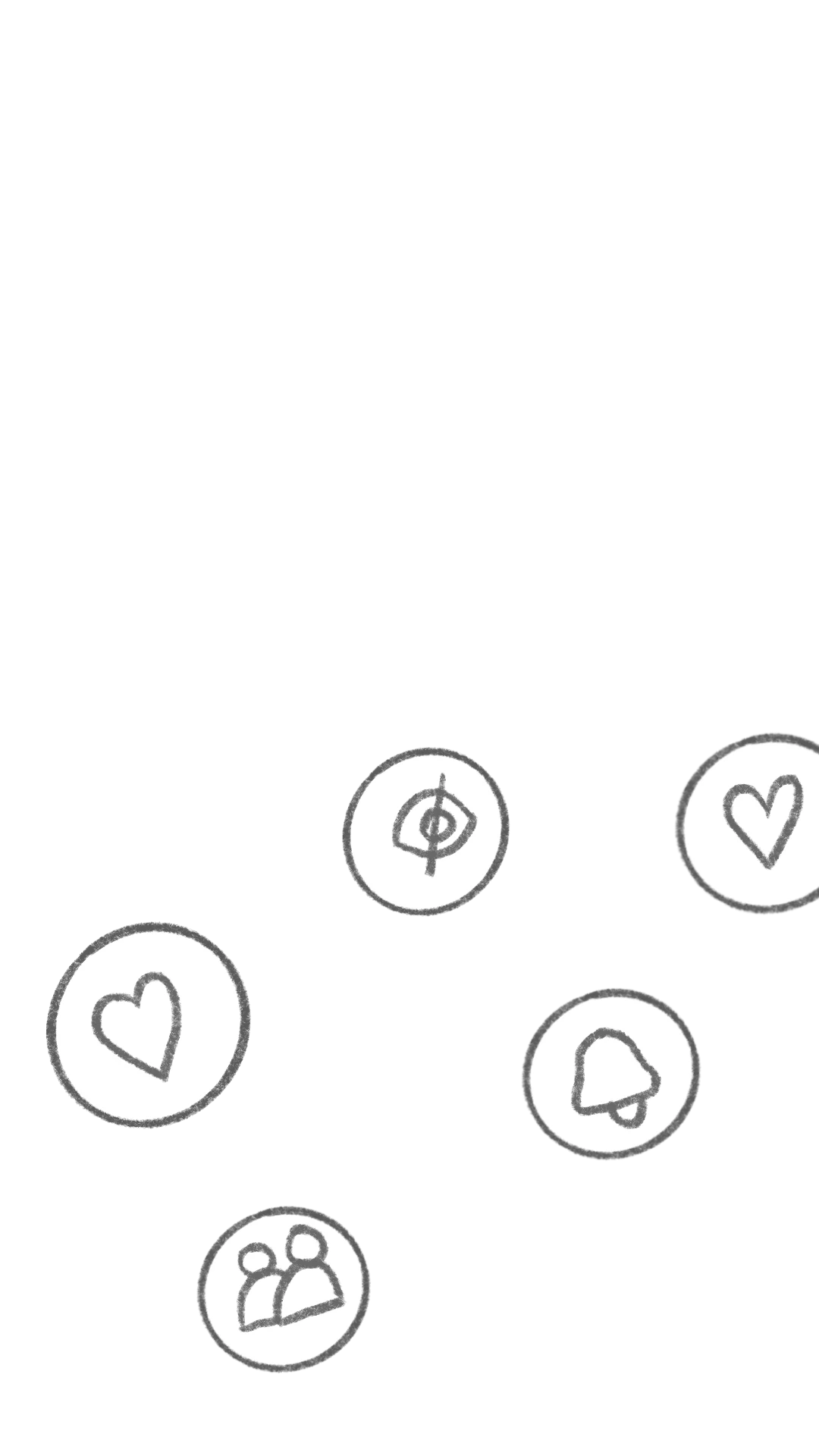
COLLABORATIVE STORYBOARDING
For each episode's topic, I collaborated closely with Snapchat’s internal design team to map out the core message. I then developed a visual narrative, ensuring each frame effectively communicated the specific safety tip while maintaining a smooth narrative flow.
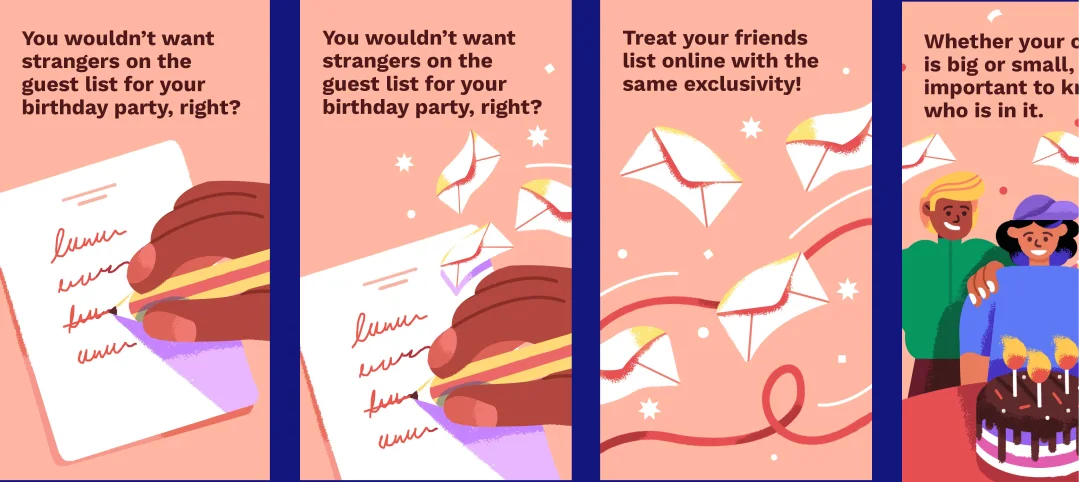
BRINGING THE SKETCHES TO LIFE
I brought the initial storyboard sketches to life using bright colors and simple geometric shapes, staying true to Snapchat’s visual identity. To soften the flat geometry, I introduced tactile textures to the lines and shapes, creating a warm, organic, and slightly sketchy aesthetic
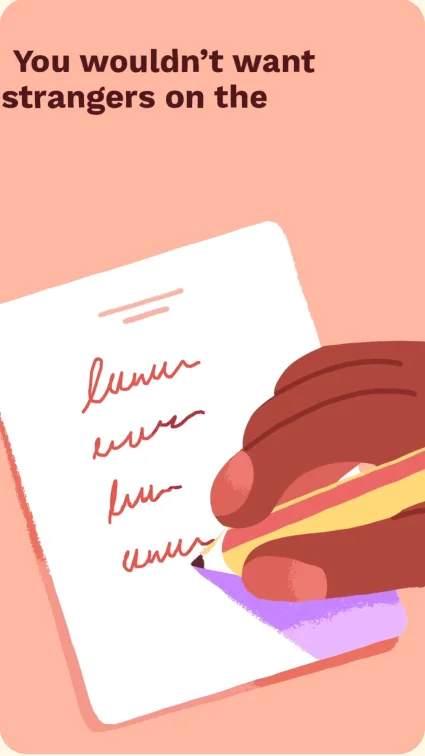
DIRECTING THE MOTION
I provided detailed motion directions for every frame, dictating how the visual elements should flow and transition together. This ensured a cohesive final animation before the videos were officially released on the platform and pushed globally to the user base.
THE VISUAL LANGUAGE
The look and feel of the system
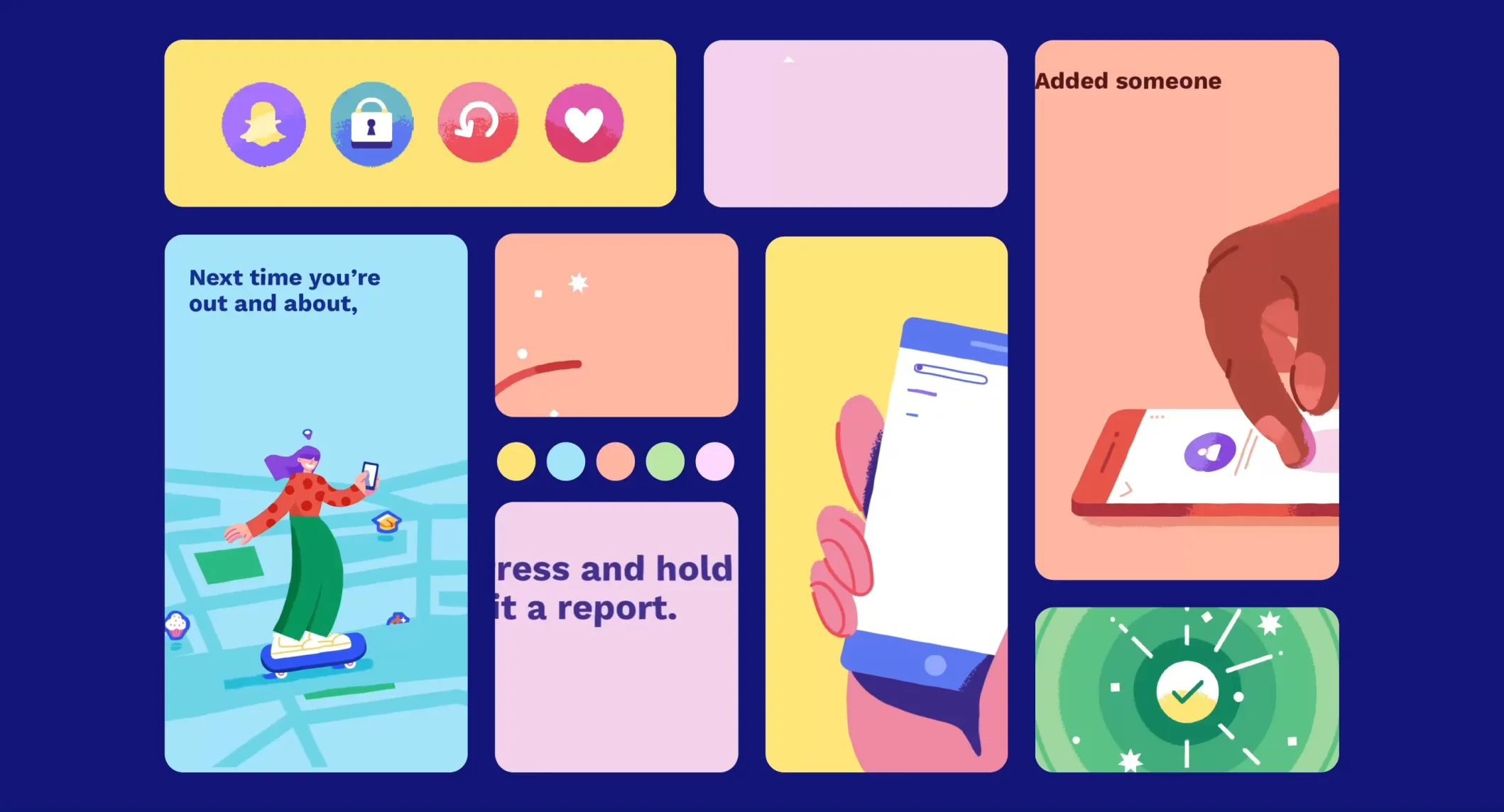
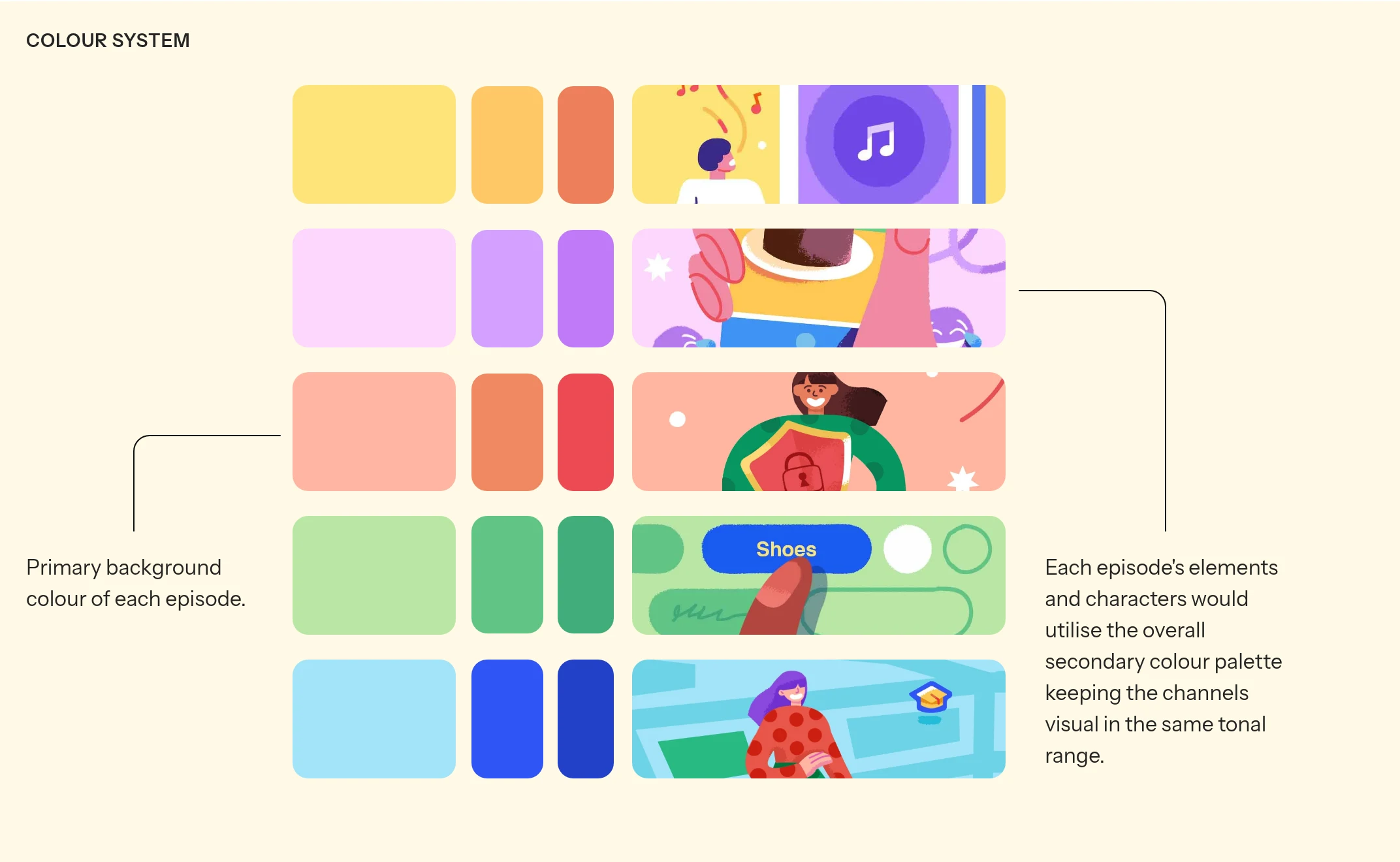
Snapchat possesses an iconic brand identity that is simultaneously friendly and bold. Any educational content sent to users needed to feel like a natural, seamless extension of that brand. I developed a visual system that assigns a defining primary color to each episode while strictly adhering to a shared tonal range. As new episodes are introduced to the channel's library, this approach ensures a varied, vibrant palette that never breaks from the core brand aesthetic
COLOUR SYSTEM


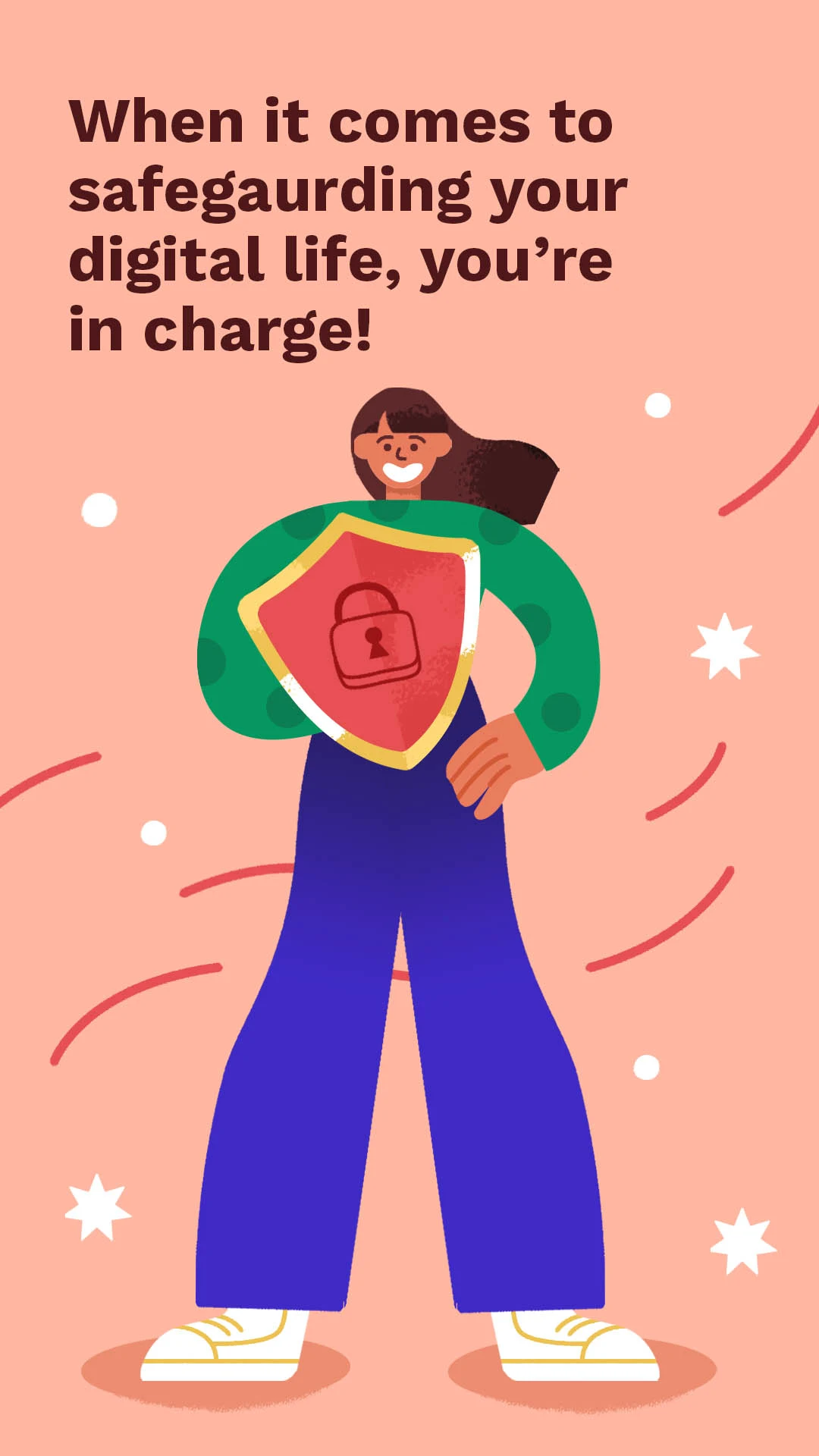
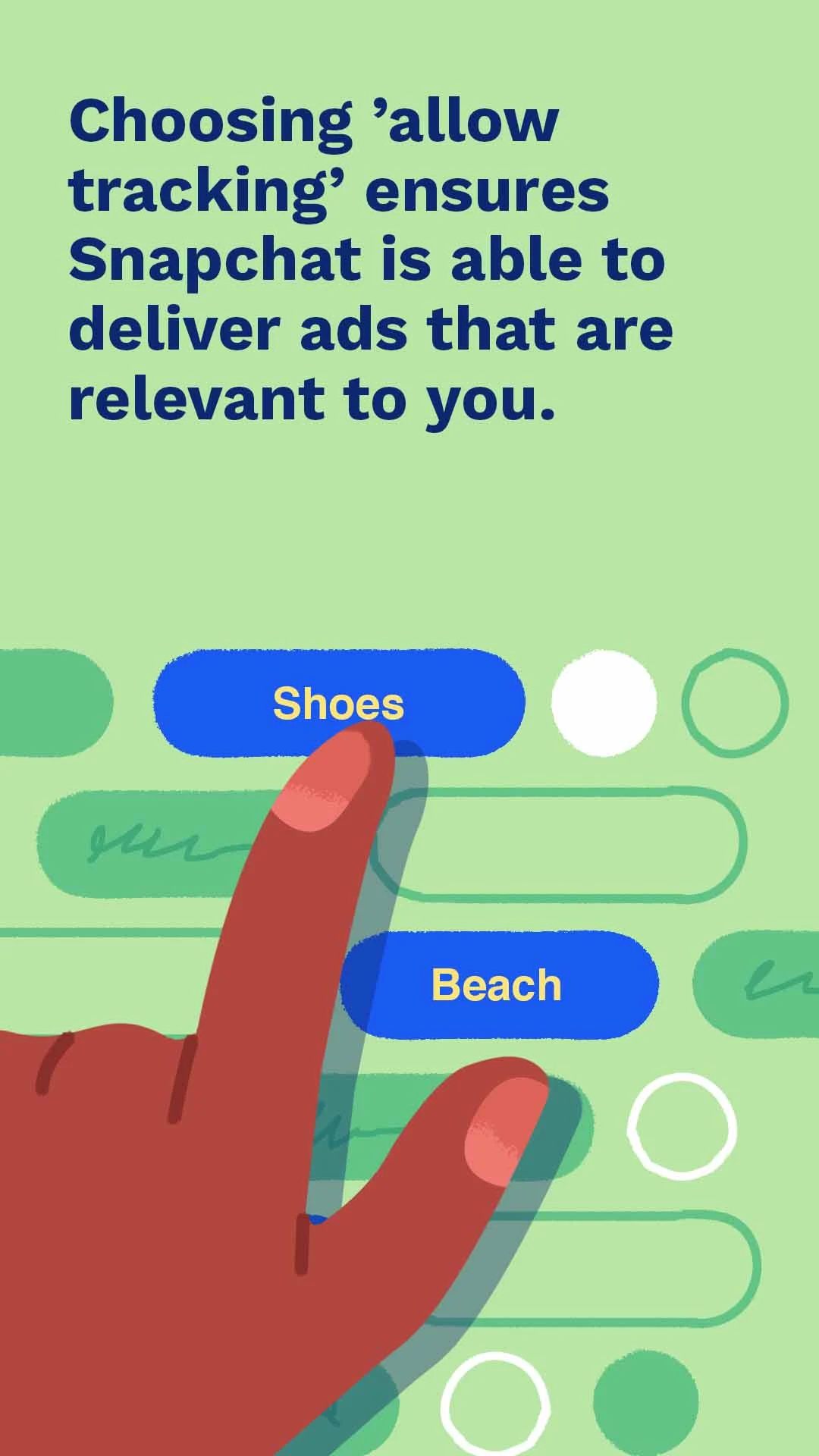

Primary background colour of each episode.
Each episode's elements and characters would utilise the overall secondary colour palette keeping the channels visual in the same tonal range.
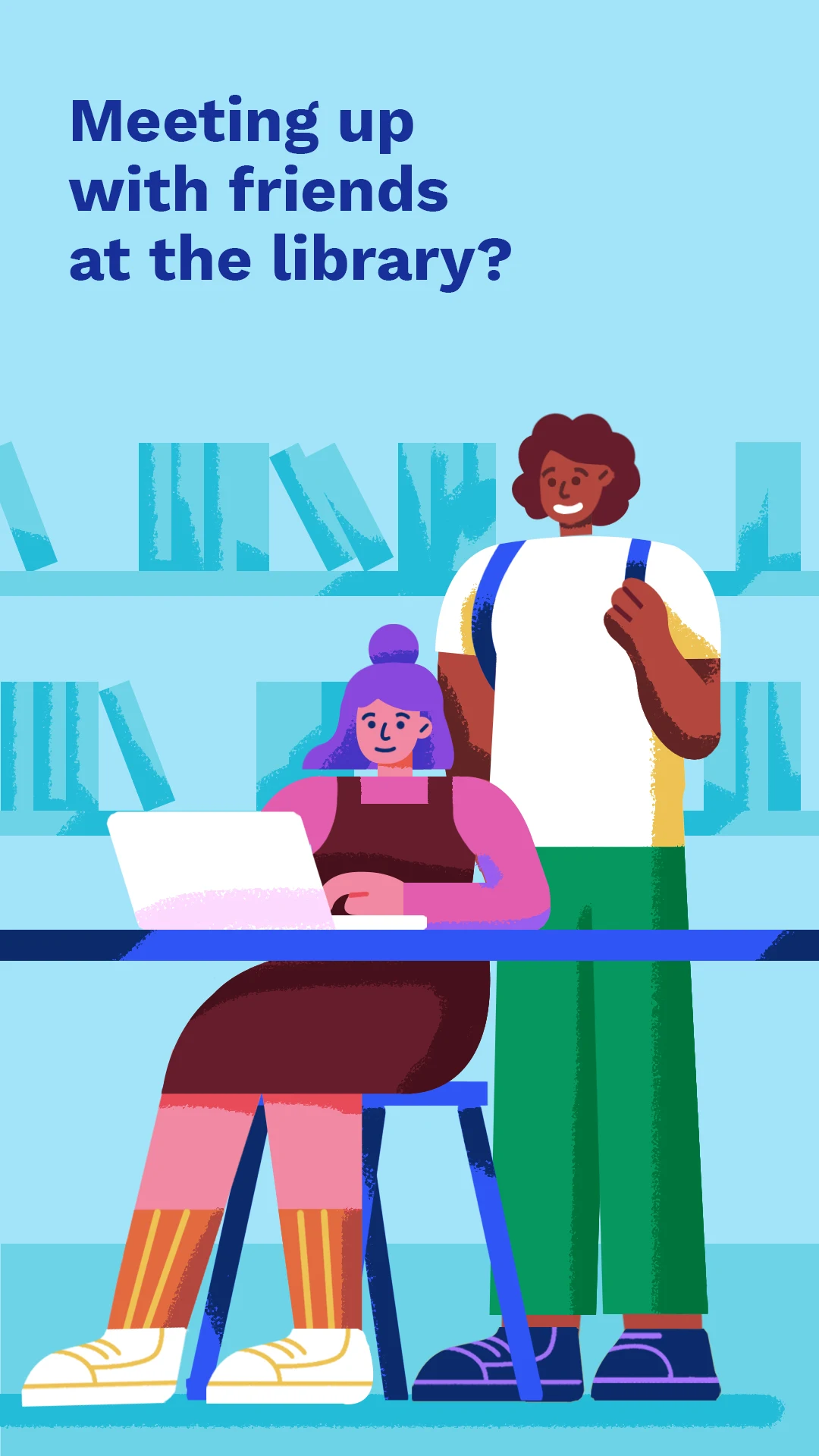
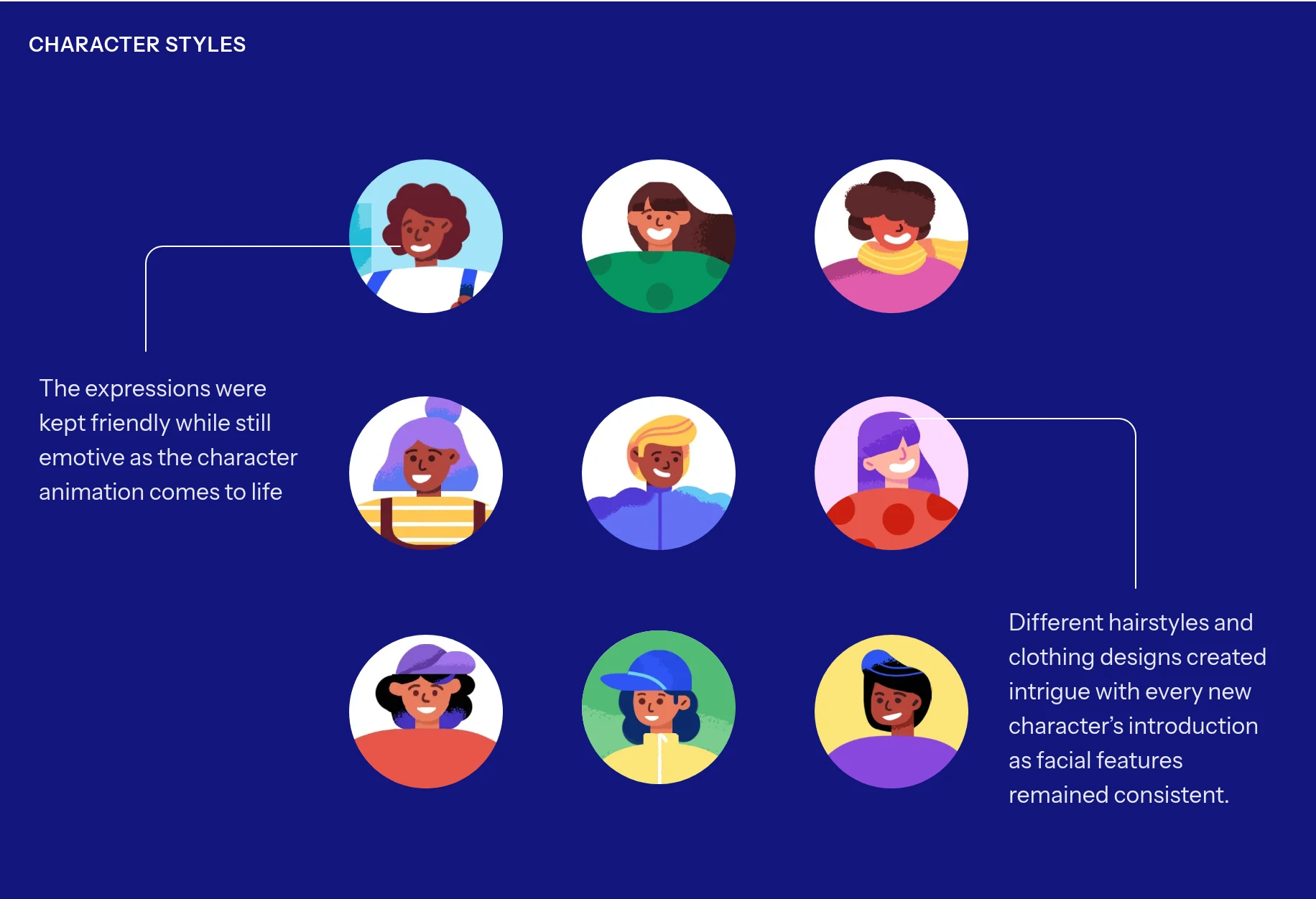
With Snapchat’s diverse global user base viewing this content, the visuals needed to reflect that diversity in their storytelling. I explored character designs that depicted warmth and inclusivity while remaining subtly expressive.
To ensure scalability, I created a modular library of colors, elements, and icons.
CHARACTER STYLES
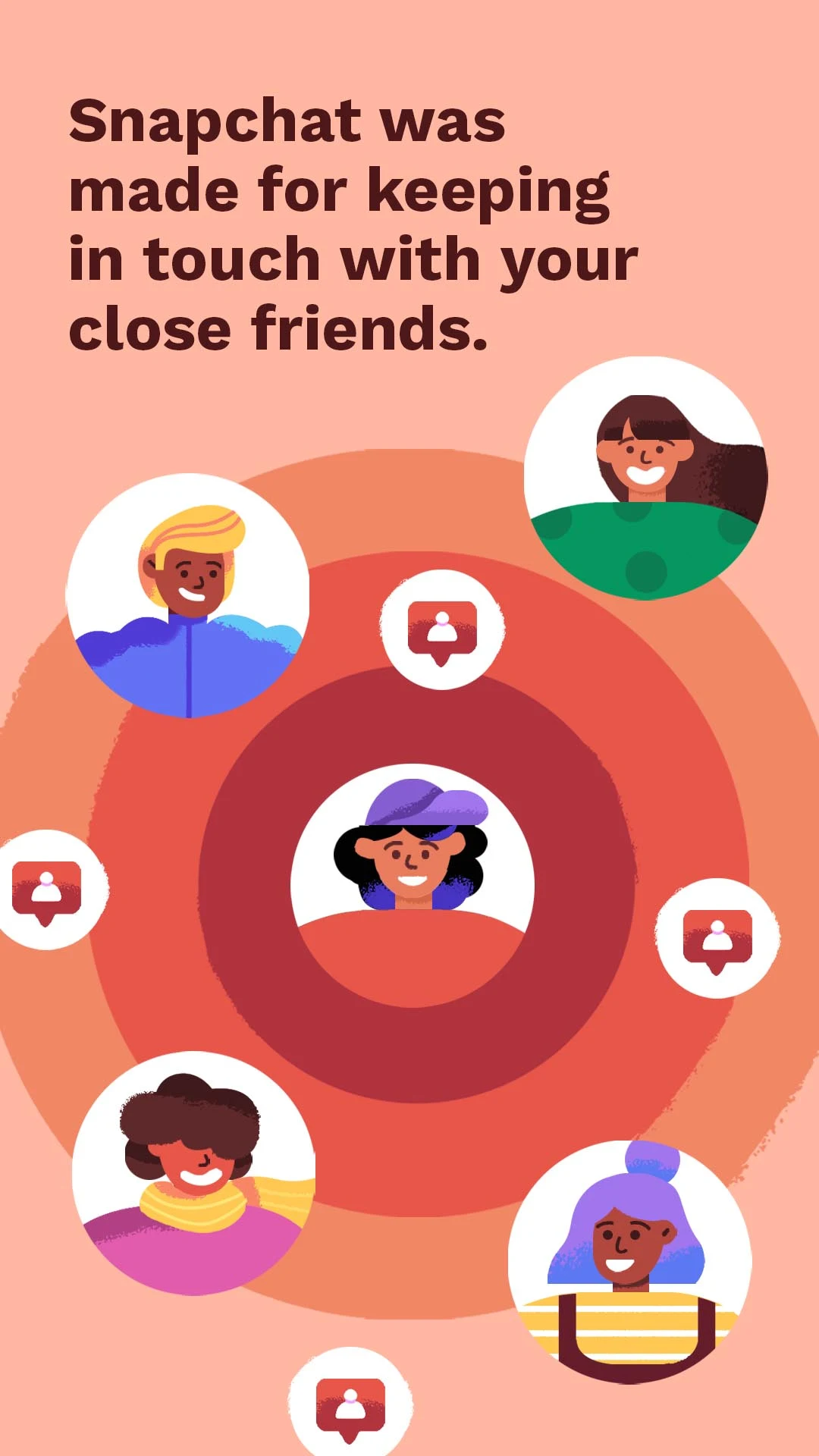
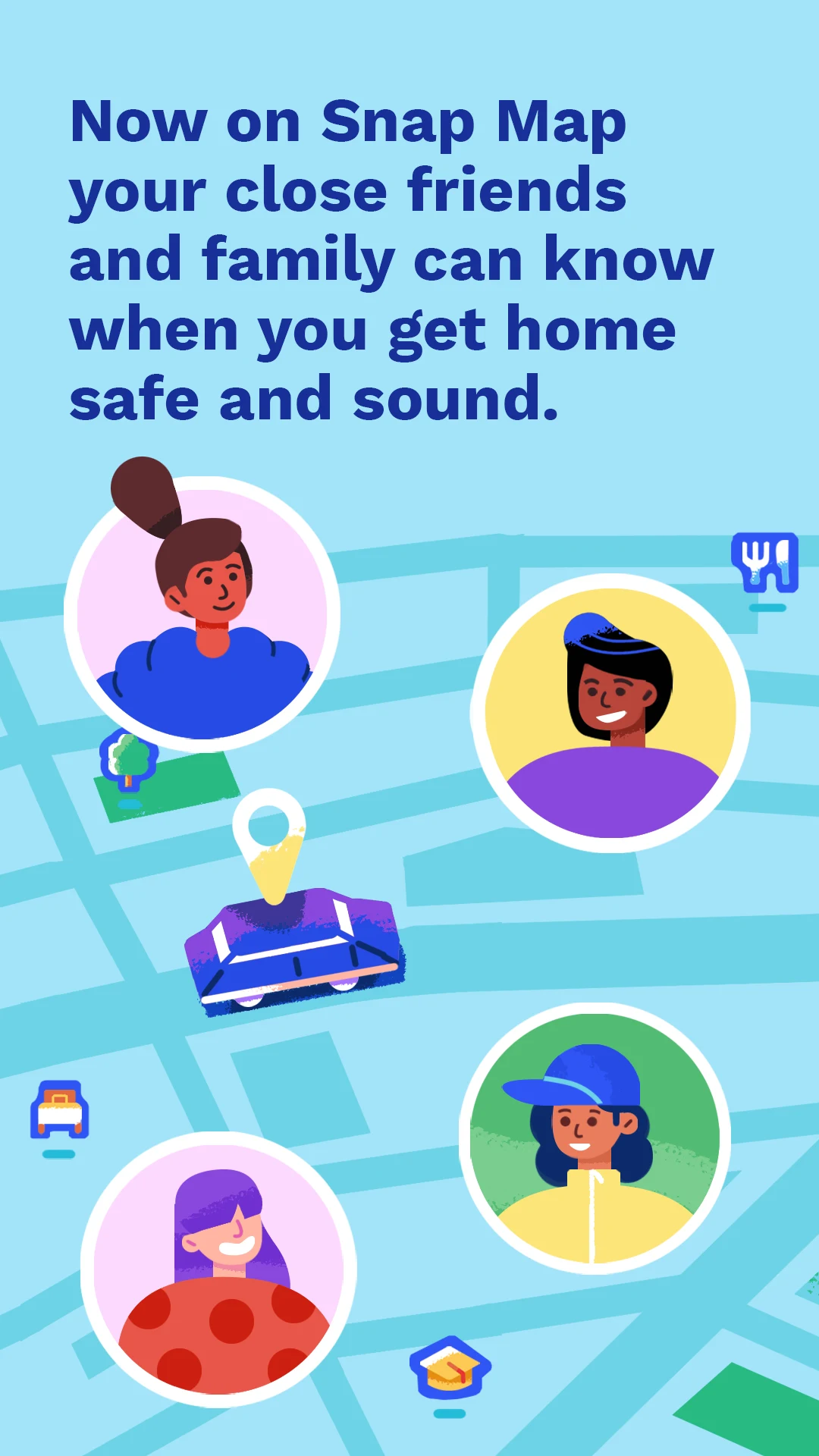
The expressions were kept friendly while still emotive as the character animation comes to life
Different hairstyles and clothing designs created intrigue with every new character’s introduction as facial features remained consistent.


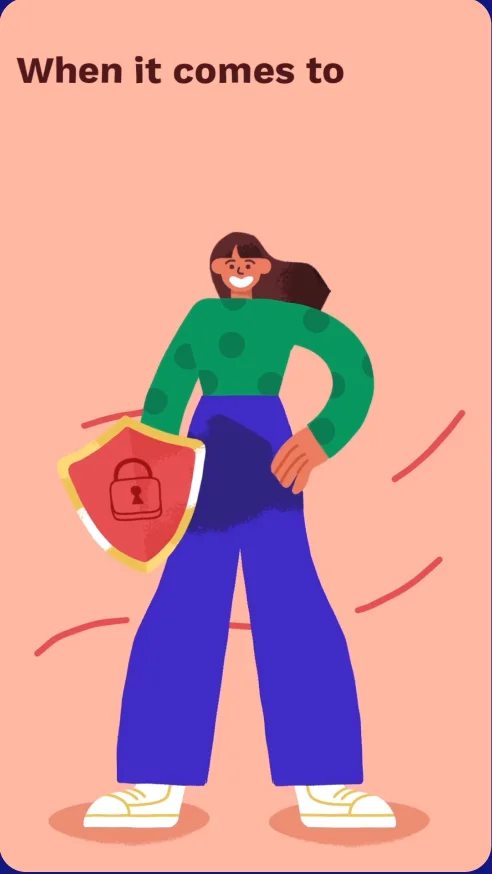
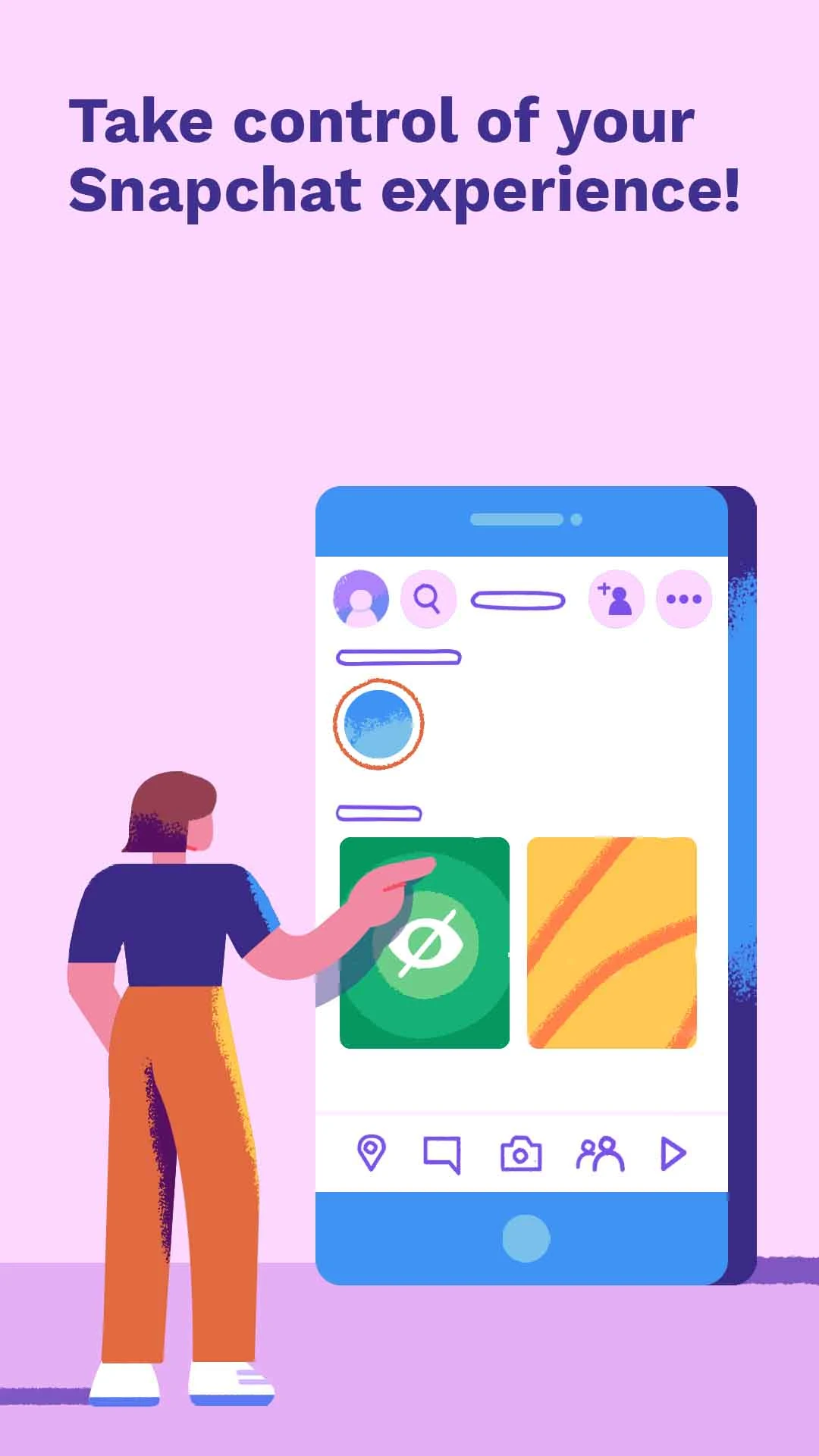
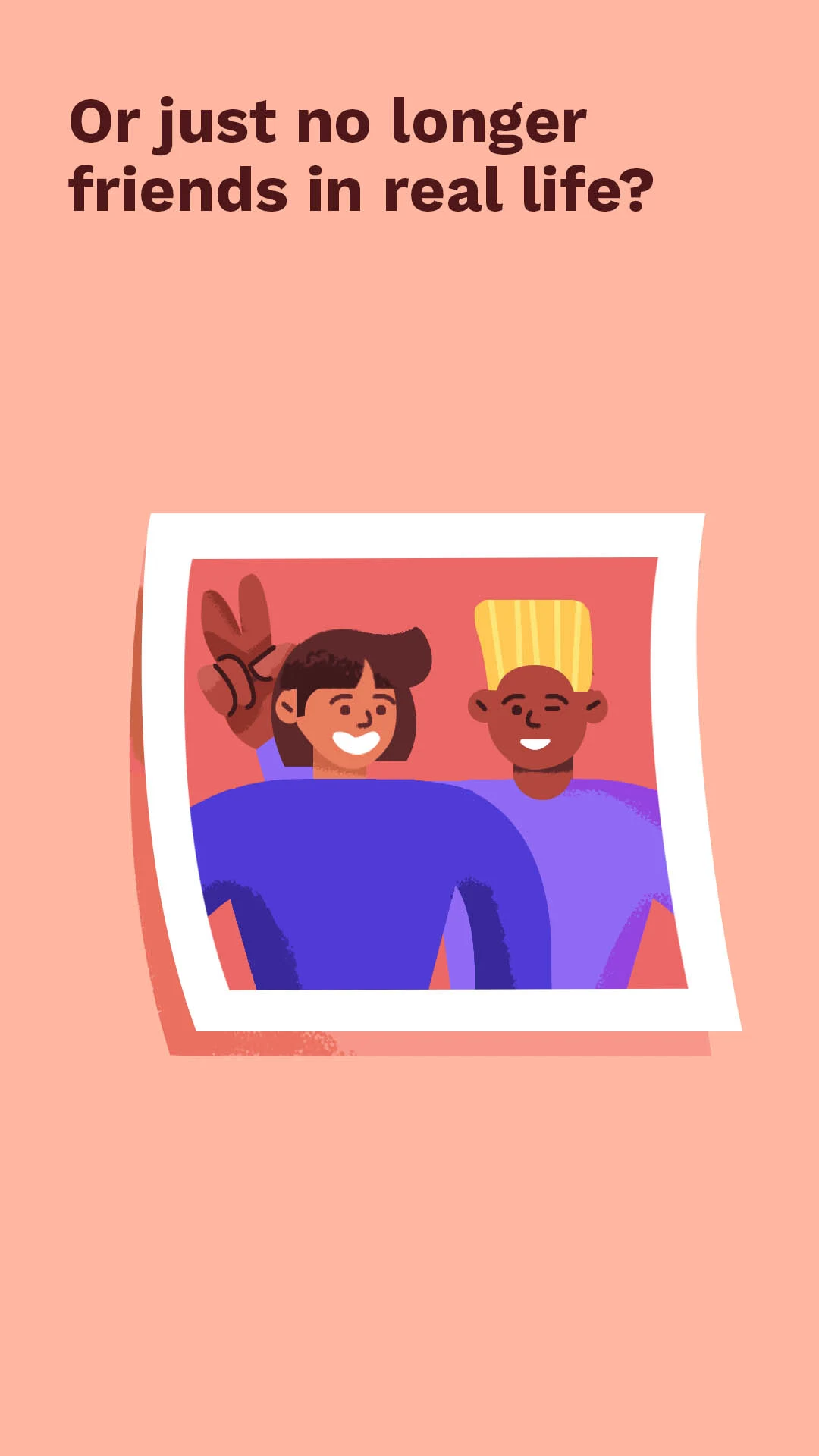
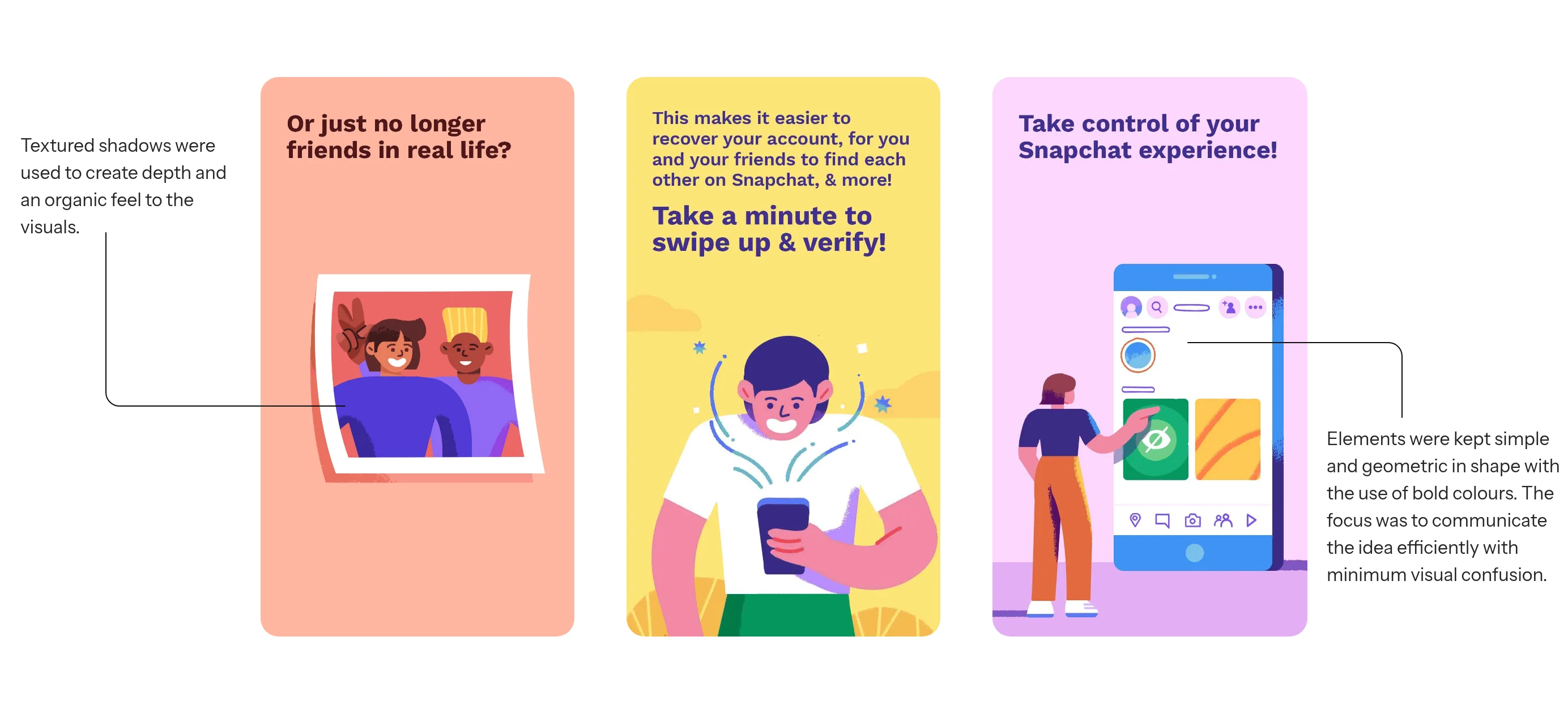
Textured shadows were used to create depth and an organic feel to the visuals.
Elements were kept simple and geometric in shape with the use of bold colours. The focus was to communicate the idea efficiently with minimum visual confusion.


ICONOGRAPHY
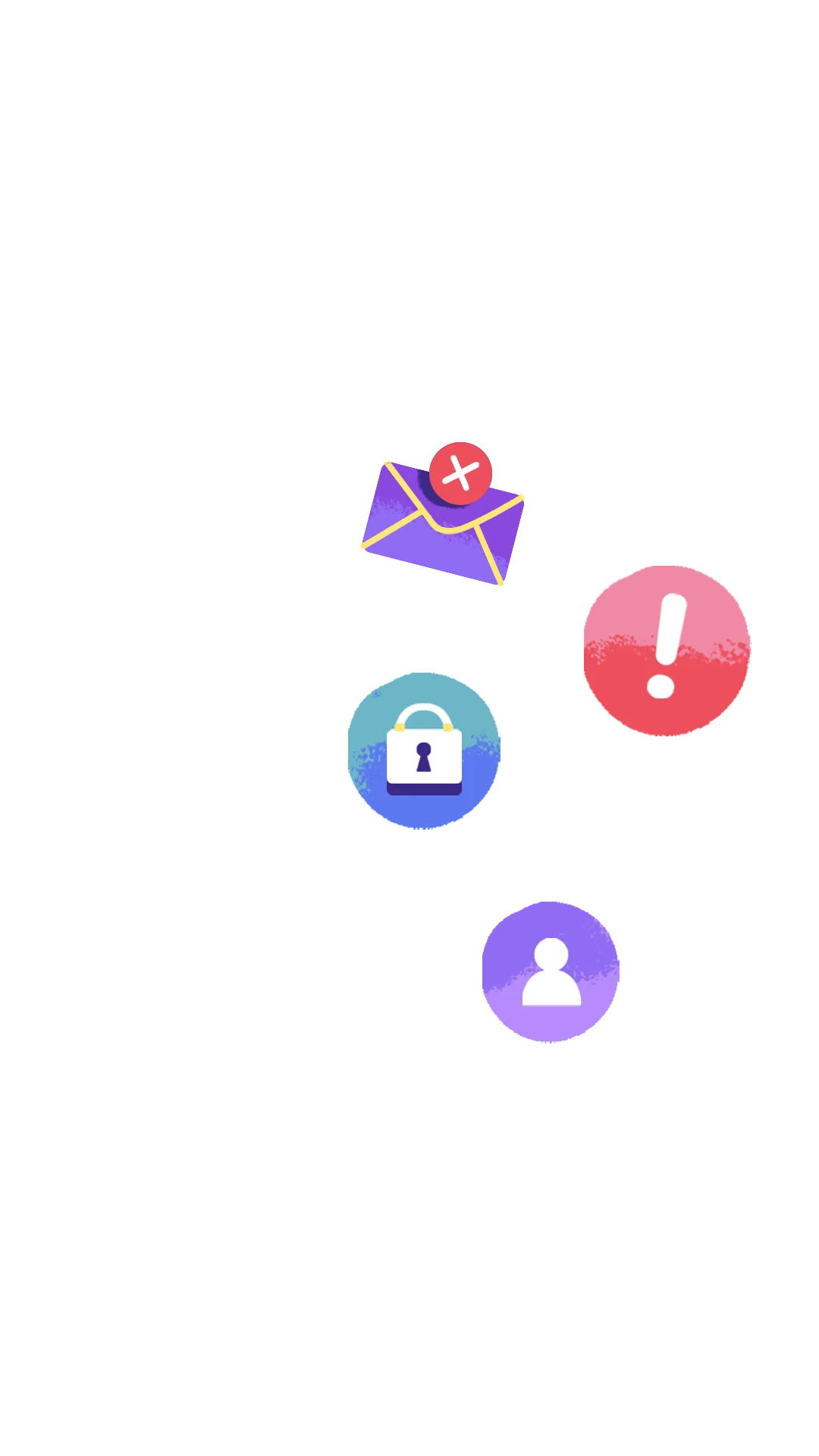
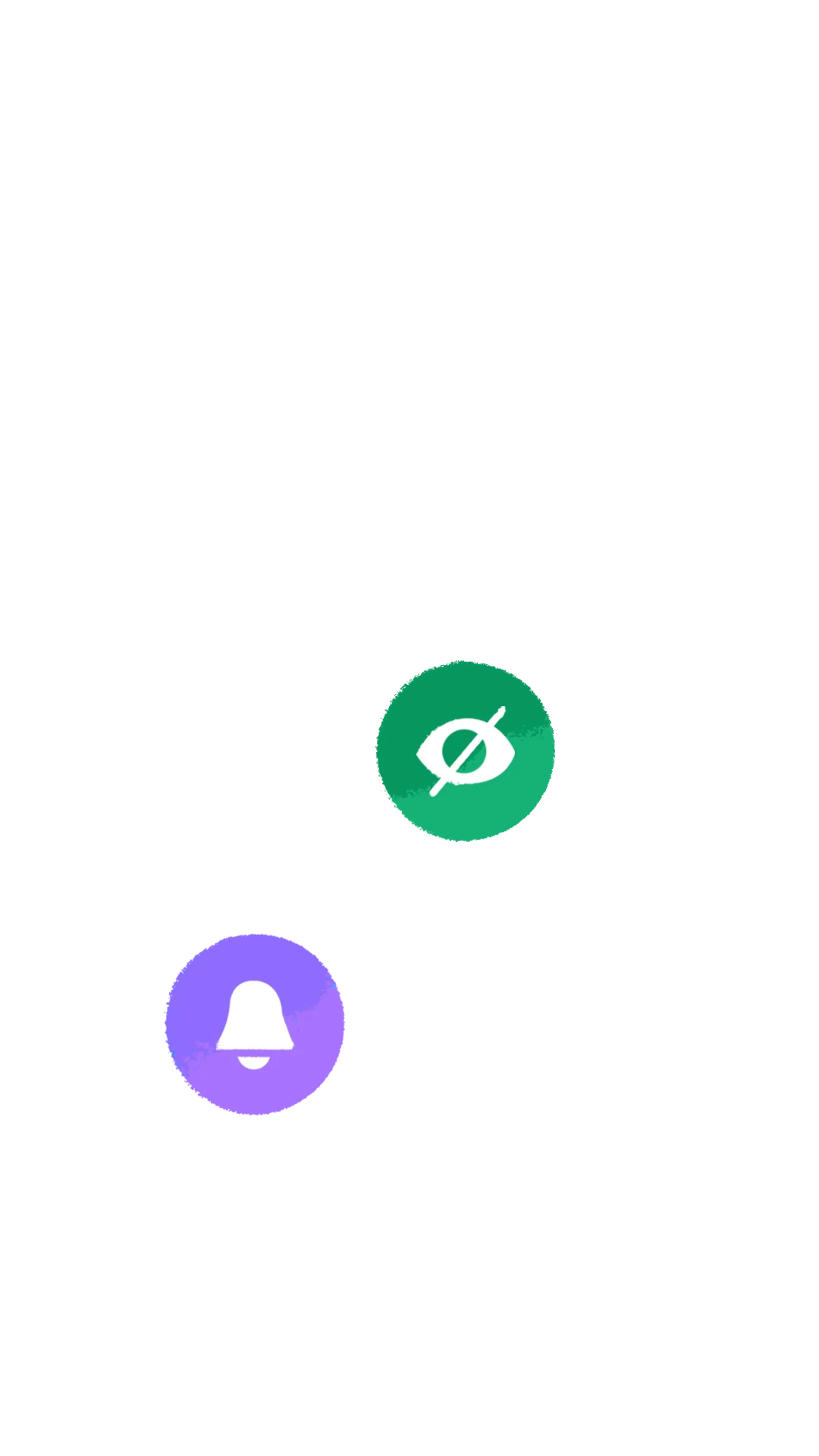
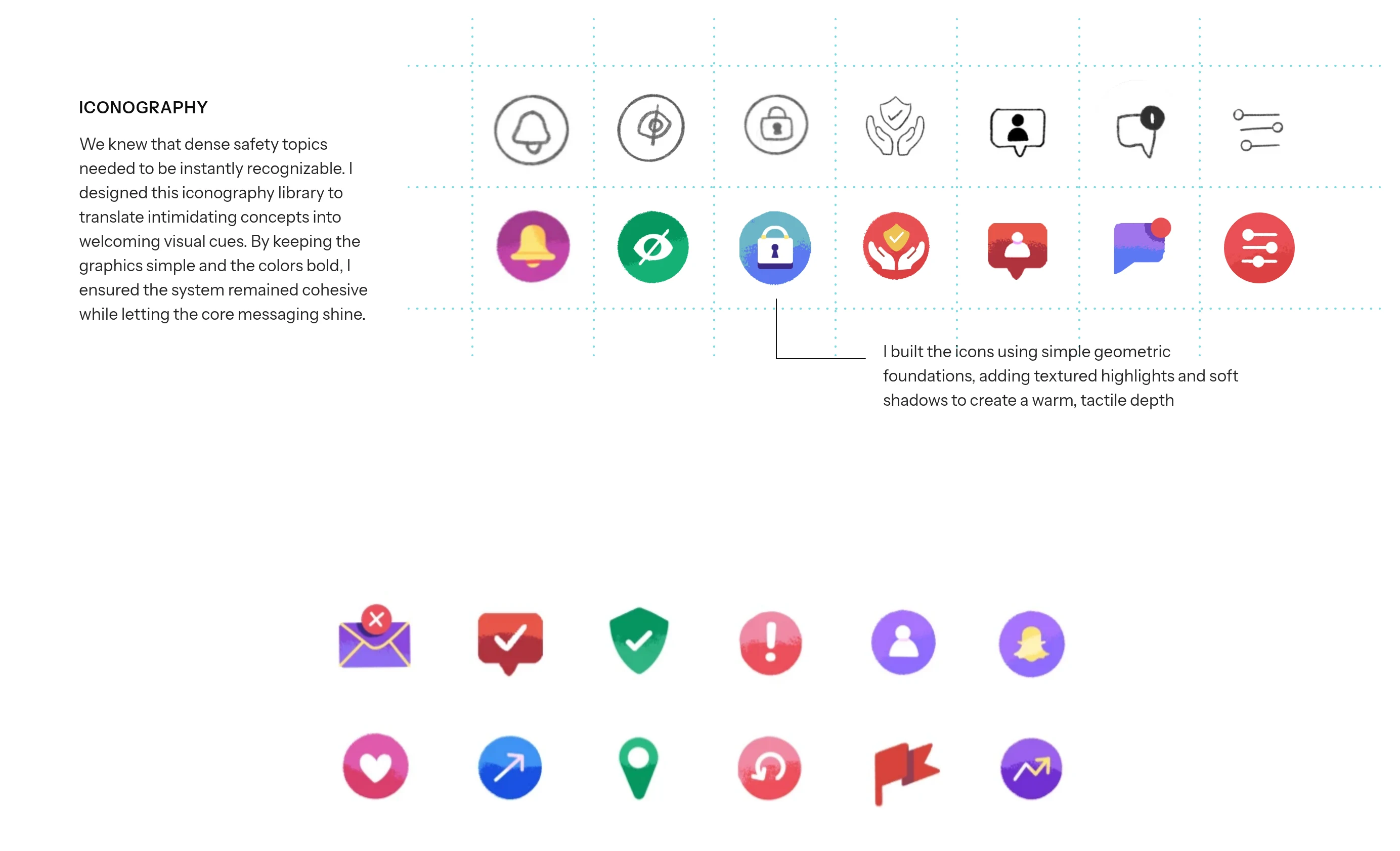
We knew that dense safety topics needed to be instantly recognizable. I designed this iconography library to translate intimidating concepts into welcoming visual cues. By keeping the graphics simple and the colors bold, I ensured the system remained cohesive while letting the core messaging shine.
I built the icons using simple geometric foundations, adding textured highlights and soft shadows to create a warm, tactile depth





LEADING LINES AND ELEMENTS
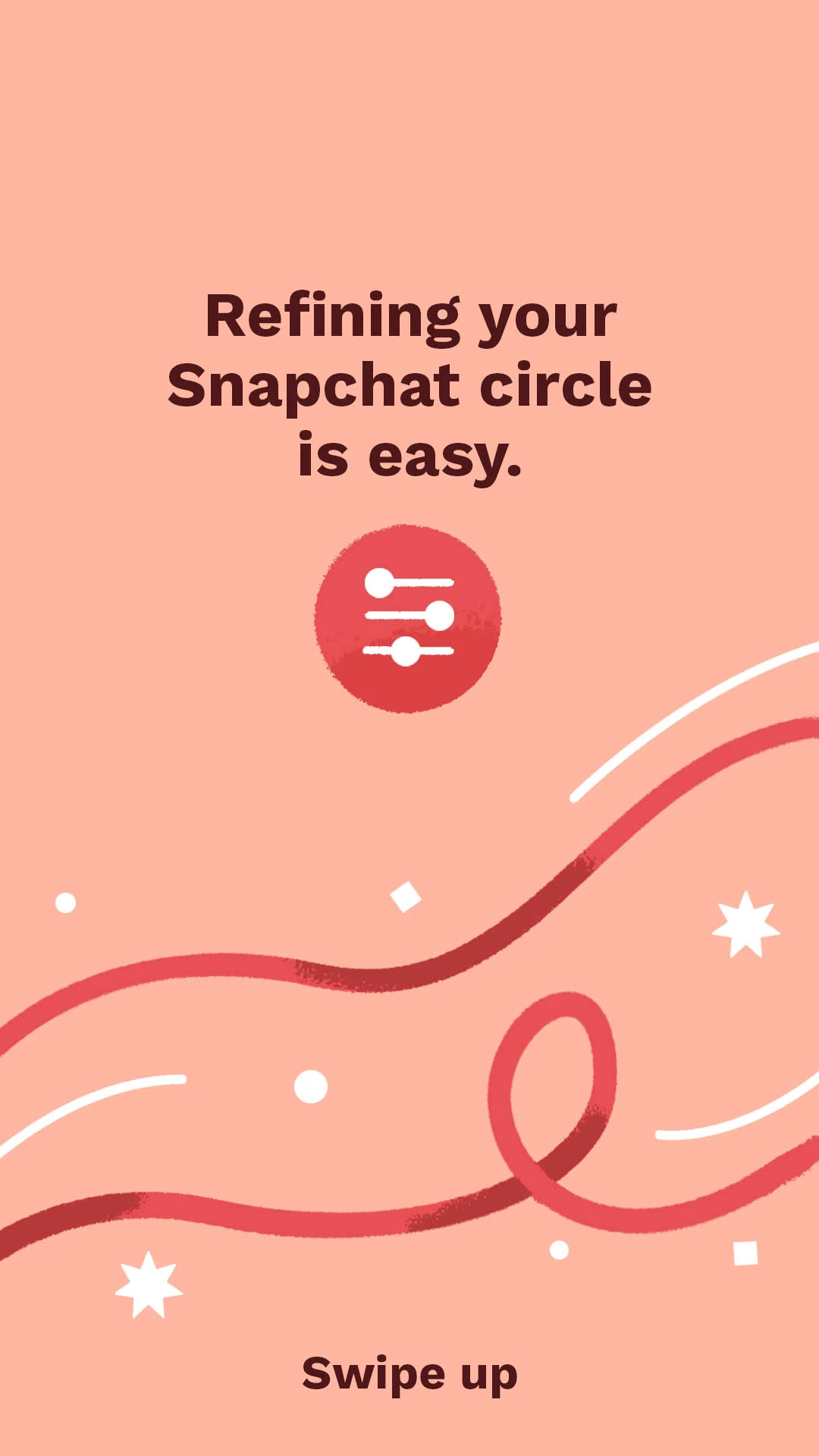
To guide the viewer's eye naturally, I relied on fluid leading lines to direct attention exactly where it needed to go. These sweeping visual elements seamlessly connect different scenes and floating graphics. They were an efficient way to tie the entire visual narrative together, ensuring the fast-paced episodes felt cohesive, energetic, and minimally cluttered.

EXECUTION
Bringing the visual system to life
The visual system culminated in five animated episodes pushed to all users globally via the Snap Safety Channel.
Each episode targeted a single safety feature, keeping the visual storytelling energetic and native to the platform. Every video then ended with a clear "safety tips" screen, ensuring users walked away equipped to protect themselves.
EPISODE 1
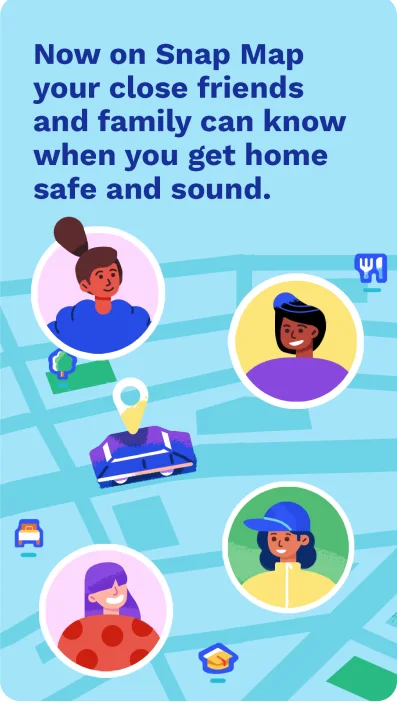
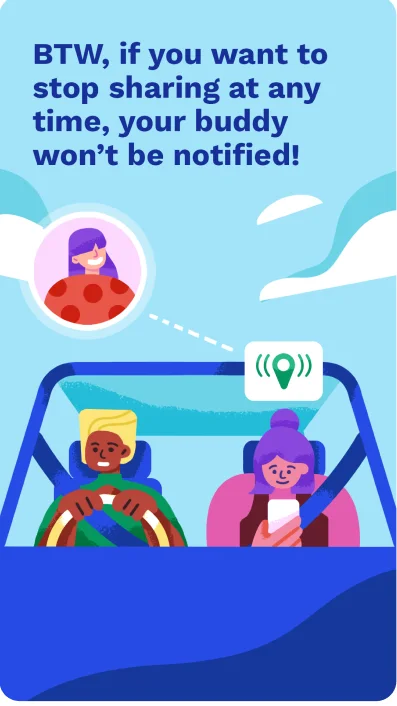
The Buddy Feature
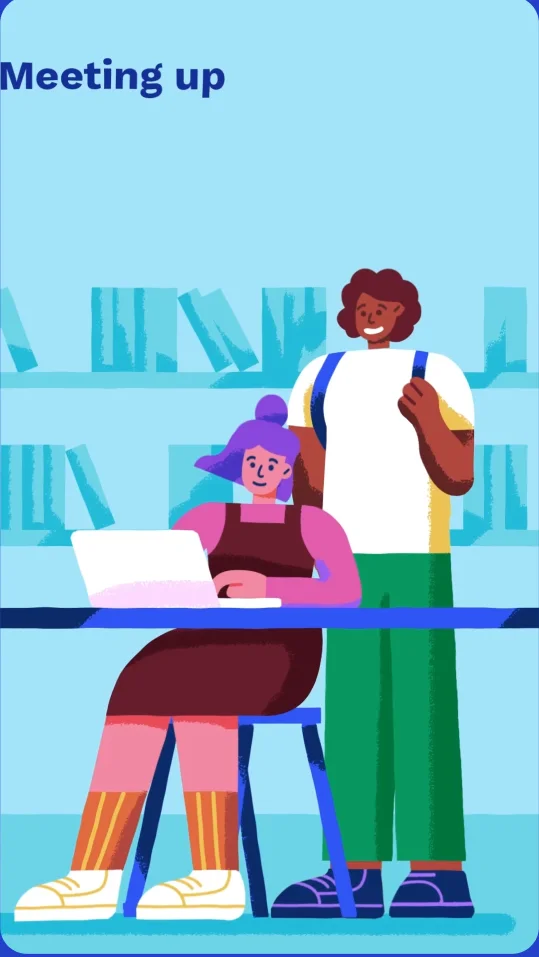
The new “Buddy Feature” on Snap Map lets Snapchatters share their live location continuously. This feature is designed to help college students keep track of friends' safety, especially after social events.



EPISODE 2
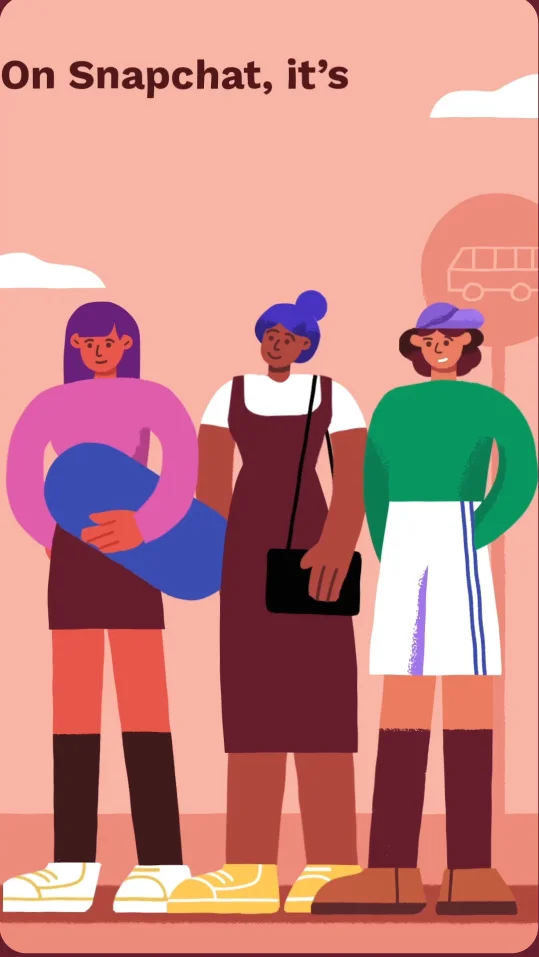
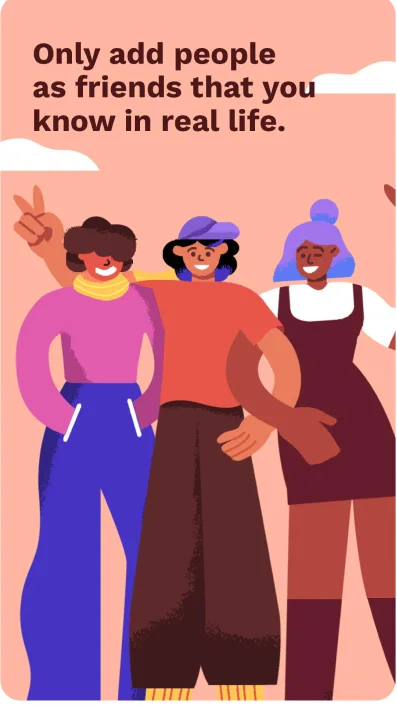
Only Real Friends
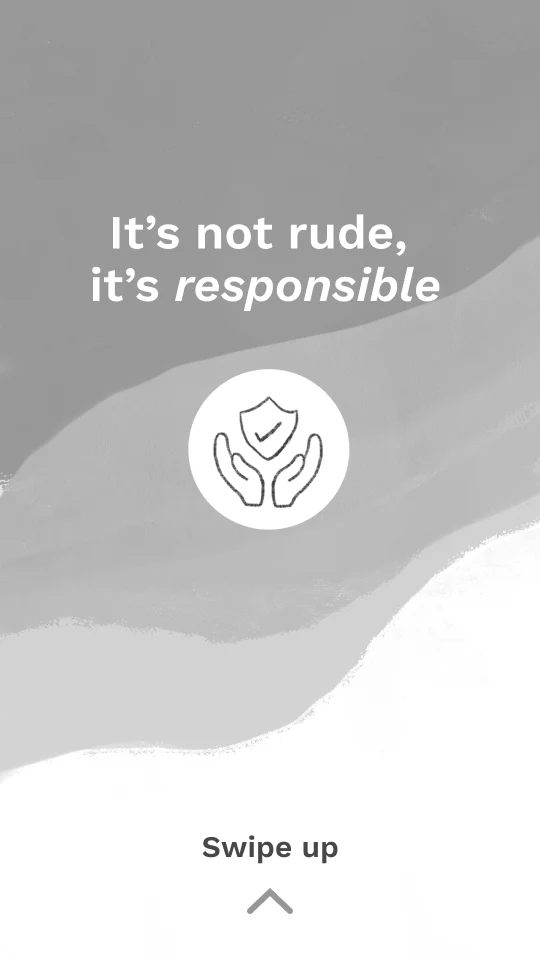
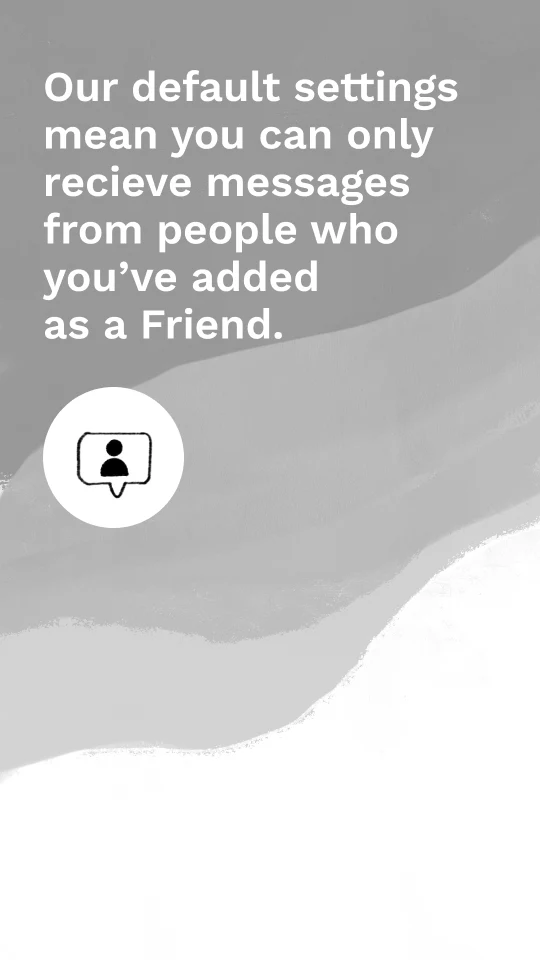
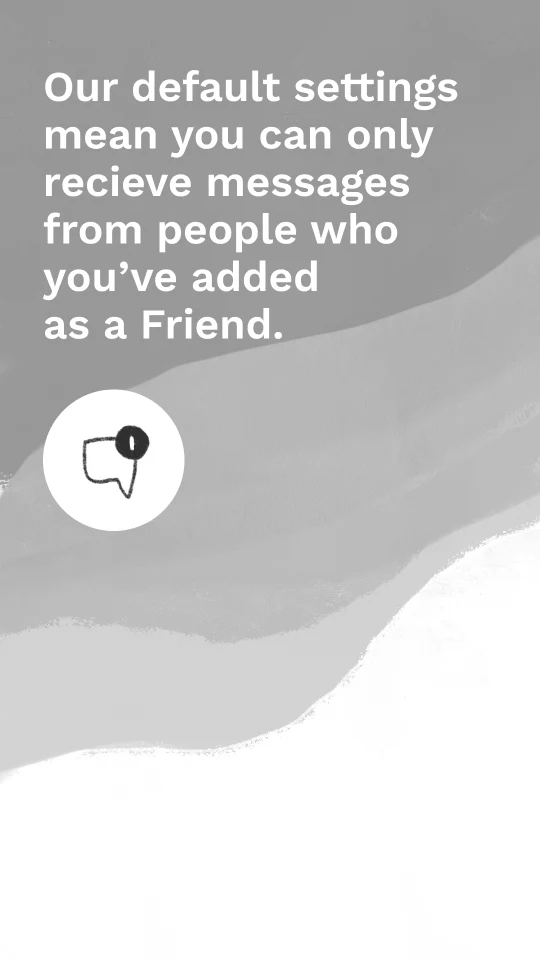
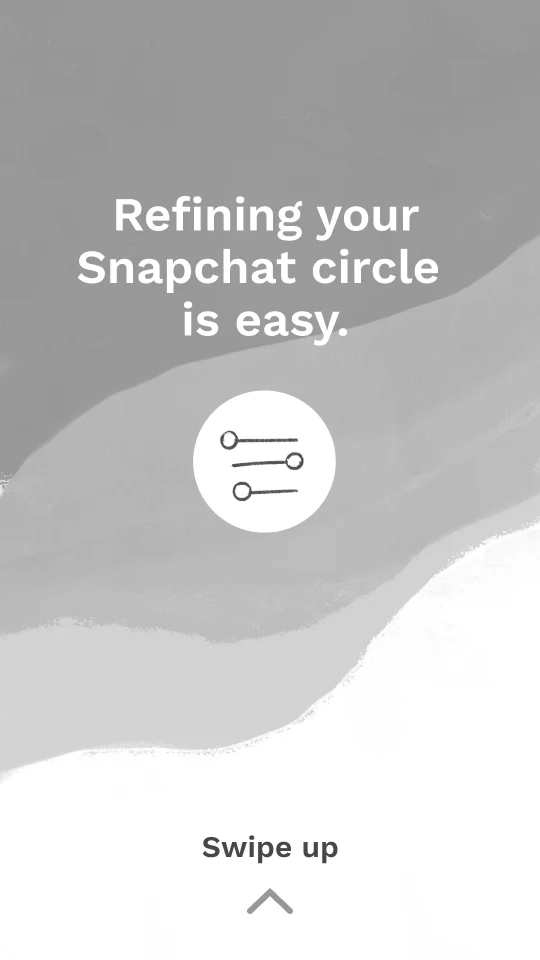
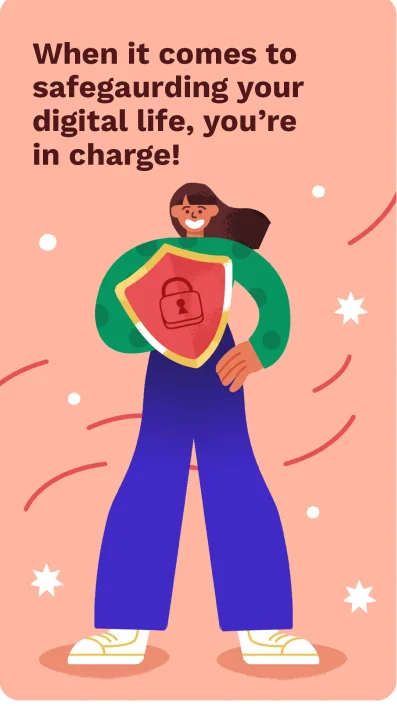
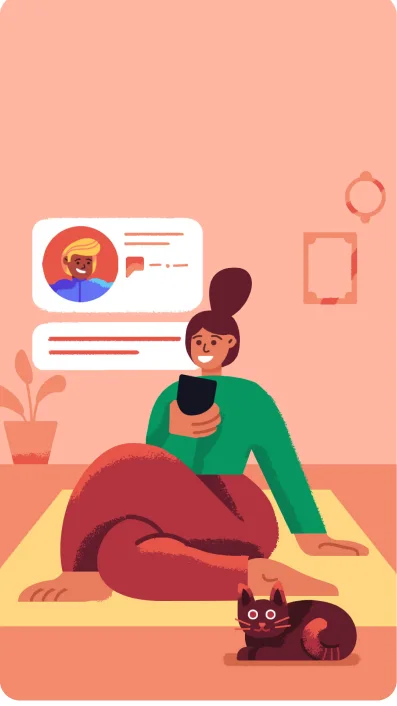
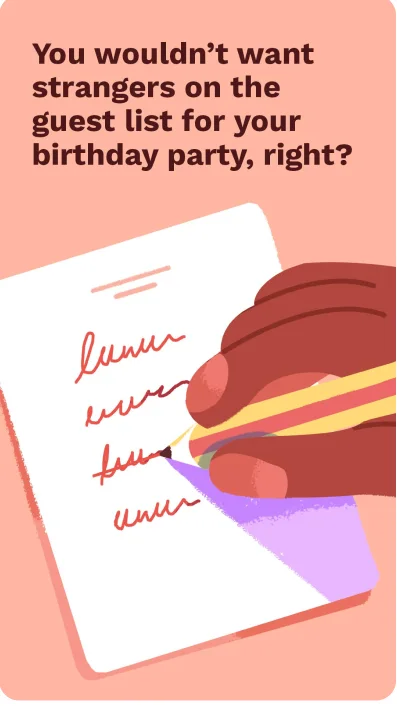
This episode highlights Snapchat’s privacy settings that block public comments and prevent unsolicited messages from strangers. It focuses on the app's friend management features, gently reminding users that actively using the block, report, and remove tools to curate their inner circle isn't rude, but a healthy digital habit.


EPISODE 3
Verify email address and number
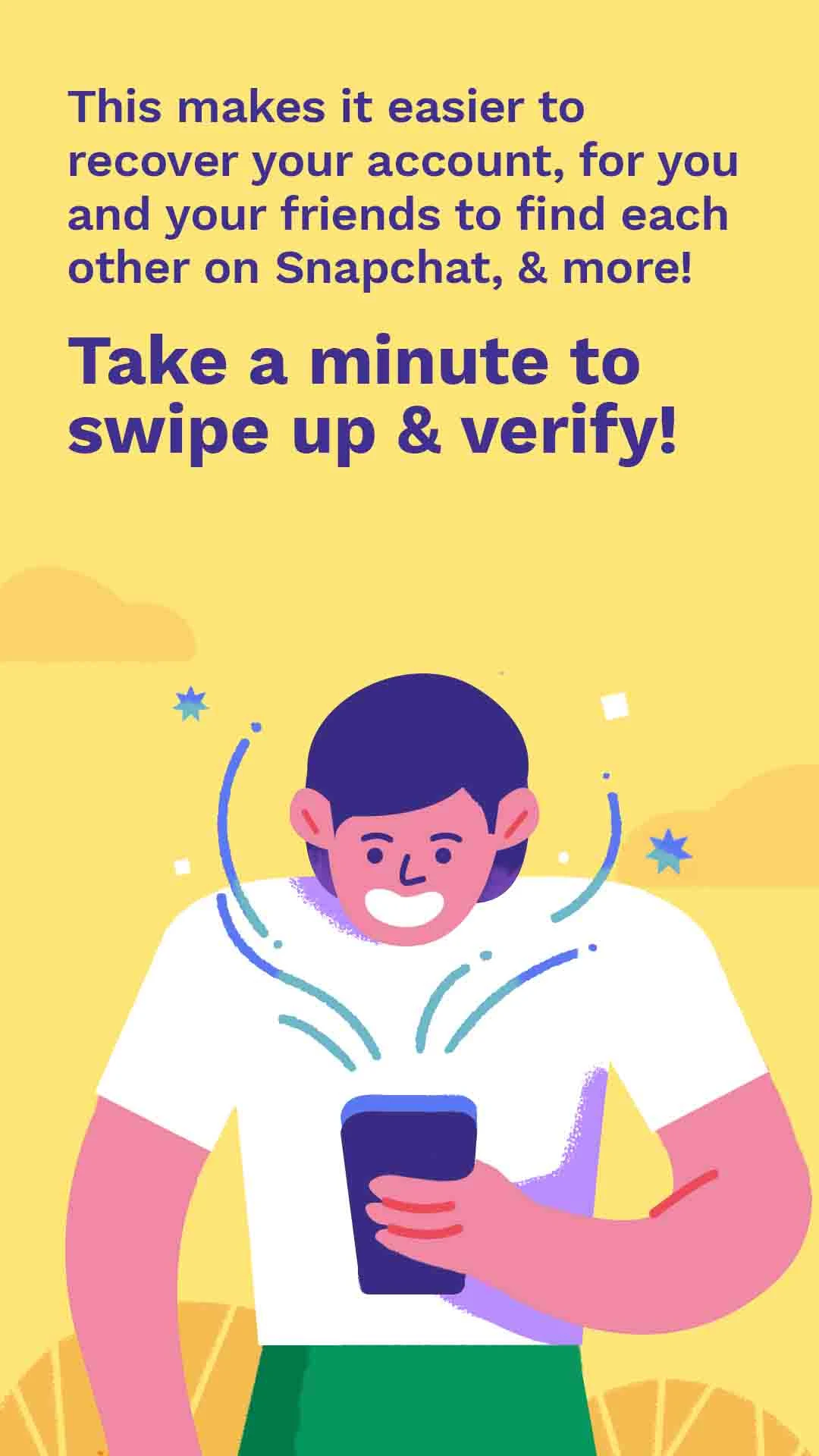
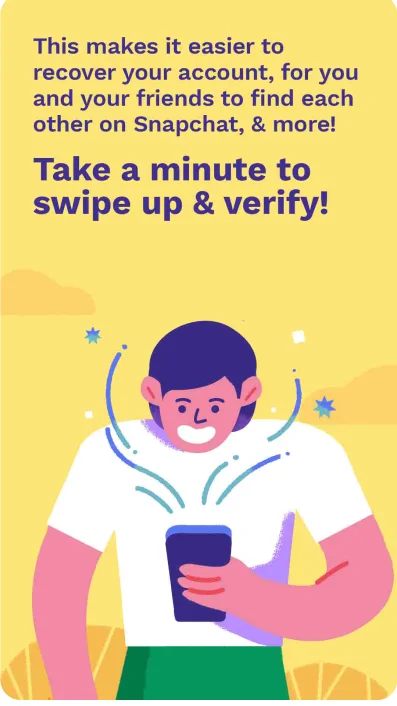
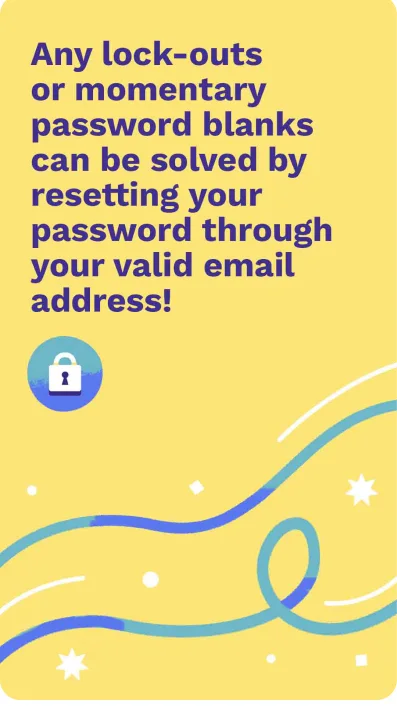
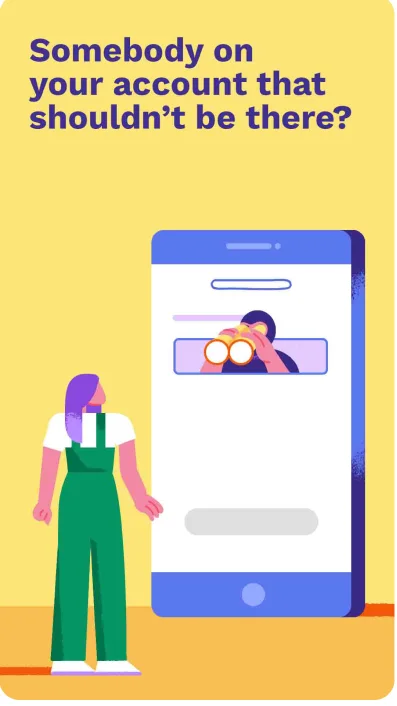
This episode highlights Snapchat’s account verification feature. By linking a valid email and phone number, users create a secure safety net for their profile. That makes it incredibly easy to reset a forgotten password, recover a locked account, and help real-life friends find them on the app.



EPISODE 4
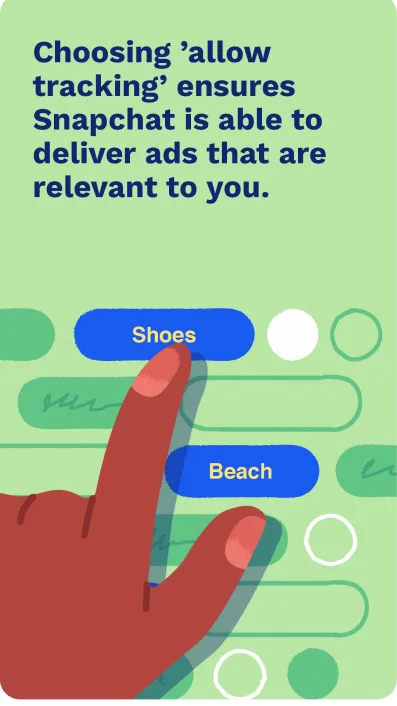
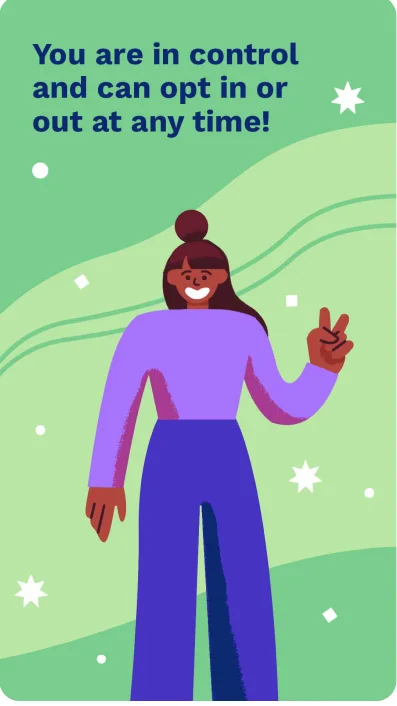
App Tracking Transparency
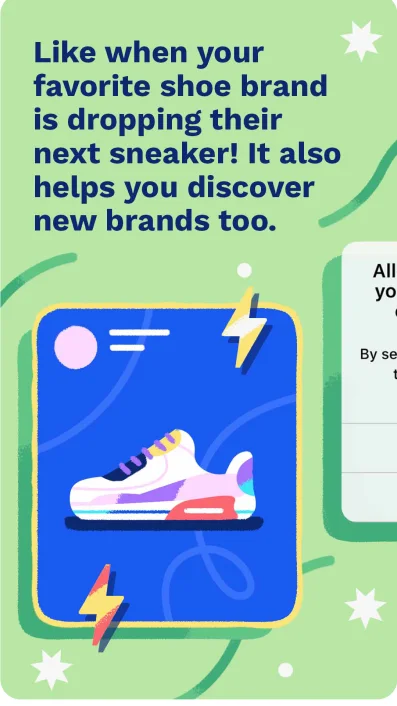
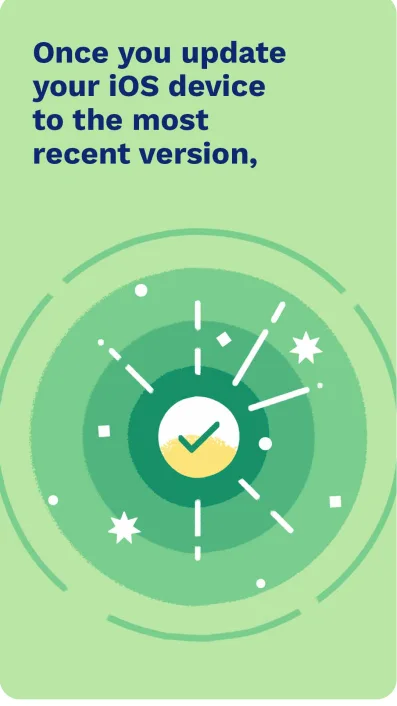
When Apple introduced new tracking prompts, Snapchat wanted to ensure their users felt informed, not overwhelmed. This episode breaks down how ad preferences work on the platform using relatable examples, reinforcing that user privacy is a priority and they are always in complete control of their data.

EPISODE 5
Debunking Safety Myths
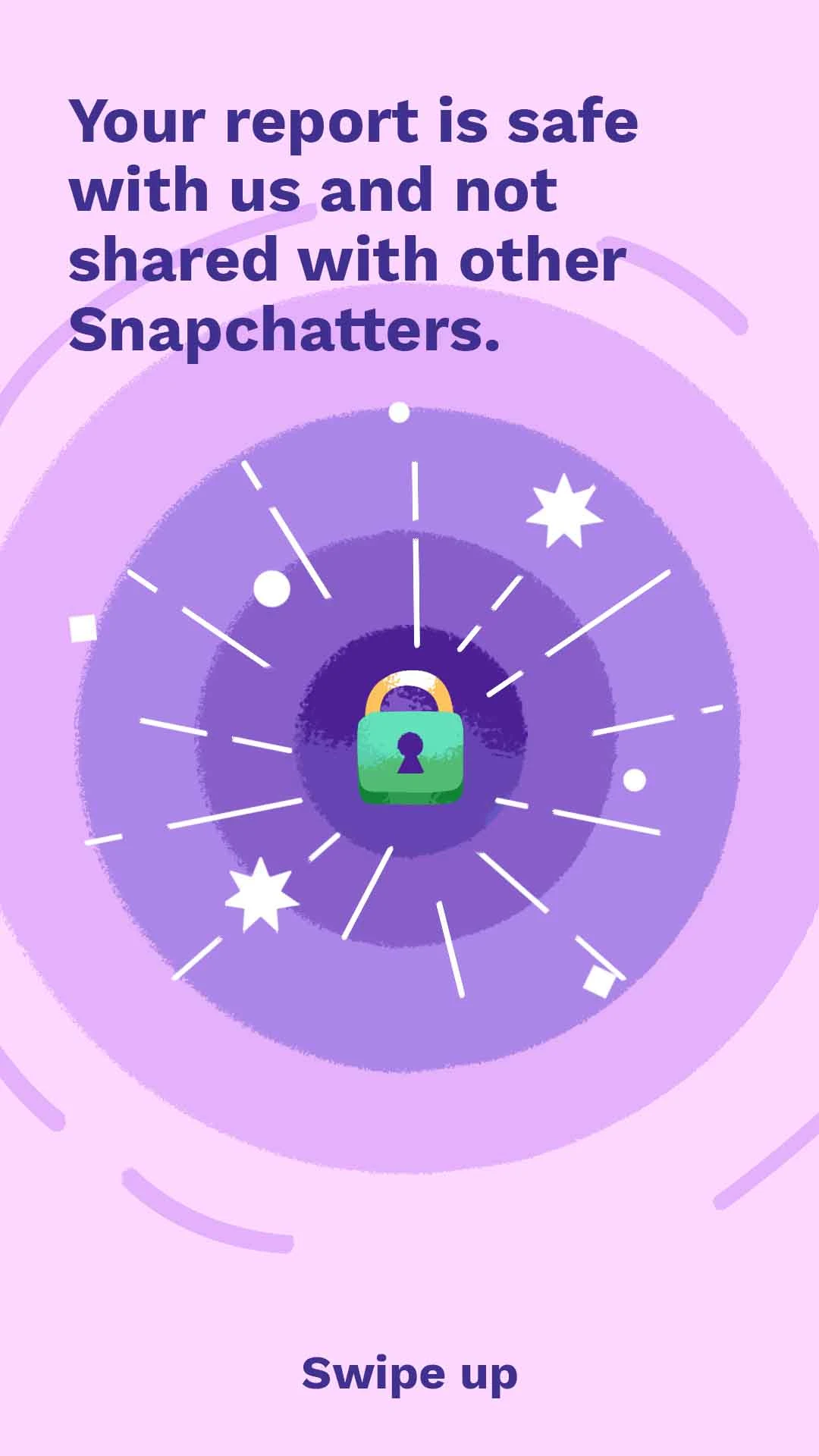
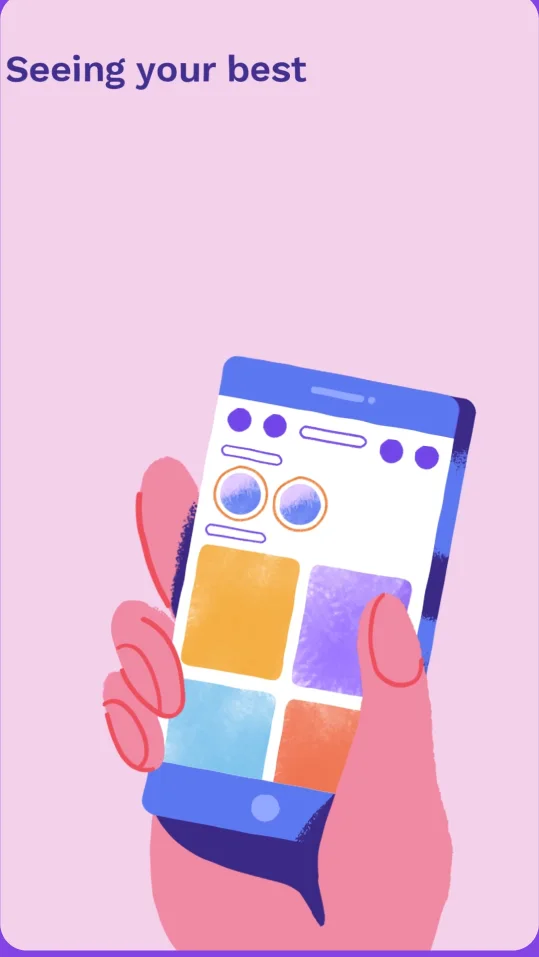
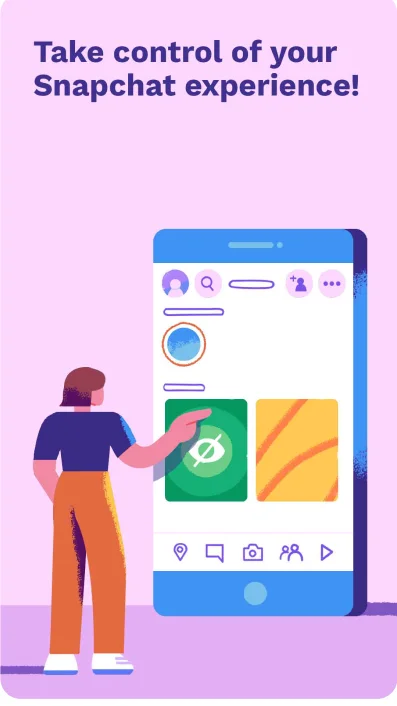
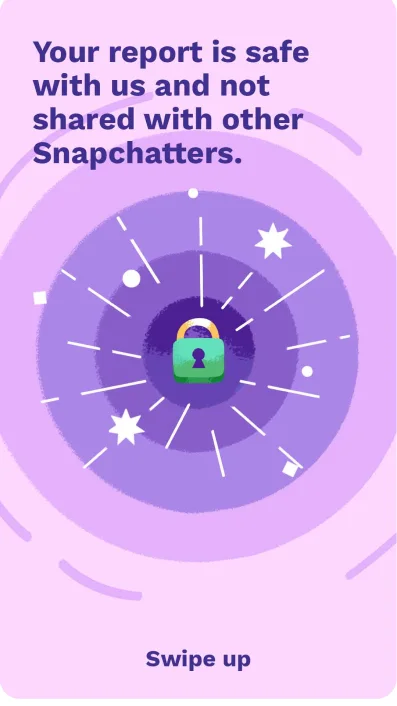
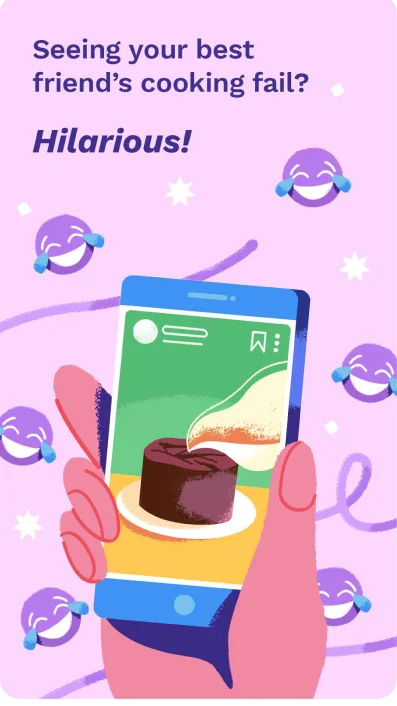
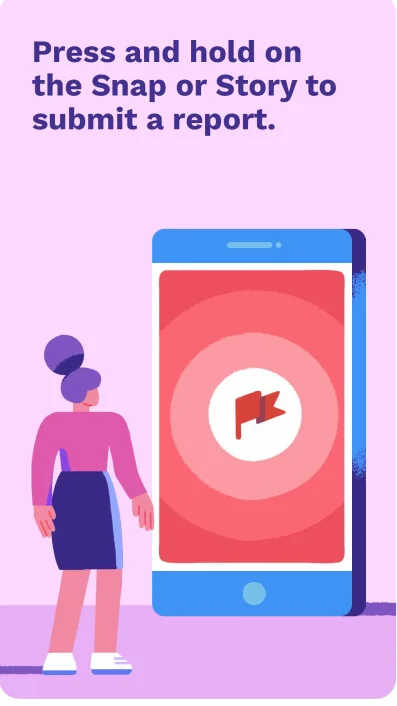
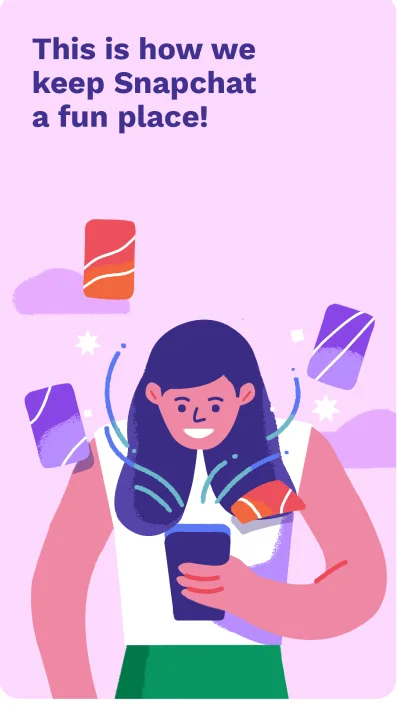
This episode is a friendly guide to Snapchat’s built-in reporting tools. It empowers users to take control of their experience by showing them exactly how to easily flag content that doesn’t feel right. By reassuring users that all reports are completely anonymous, it encourages them to proactively curate their space and keep Snapchat a positive, fun environment.
OUTCOME
The 5 episode series was pushed to over 490 million daily active users on Snapchat’s platform as part of the Snap Safety Channel.
REFLECTIONS & LEARNINGS
It’s been a huge learning opportunity designing for content that will be pushed out to users globally. Working within Snapchat’s brand constraints while still keeping the design engaging has taught me how design works on such a big scale. Its all about creating authenticity and taking design decisions within gaurdrails. It’s been an incredible engagement with the Snapchat team and collaborating with them has helped me become a better designer.
NEXT PROJECT
Ola Consumer (password protected)